Workspace - Entry List
Workspace - Entry List
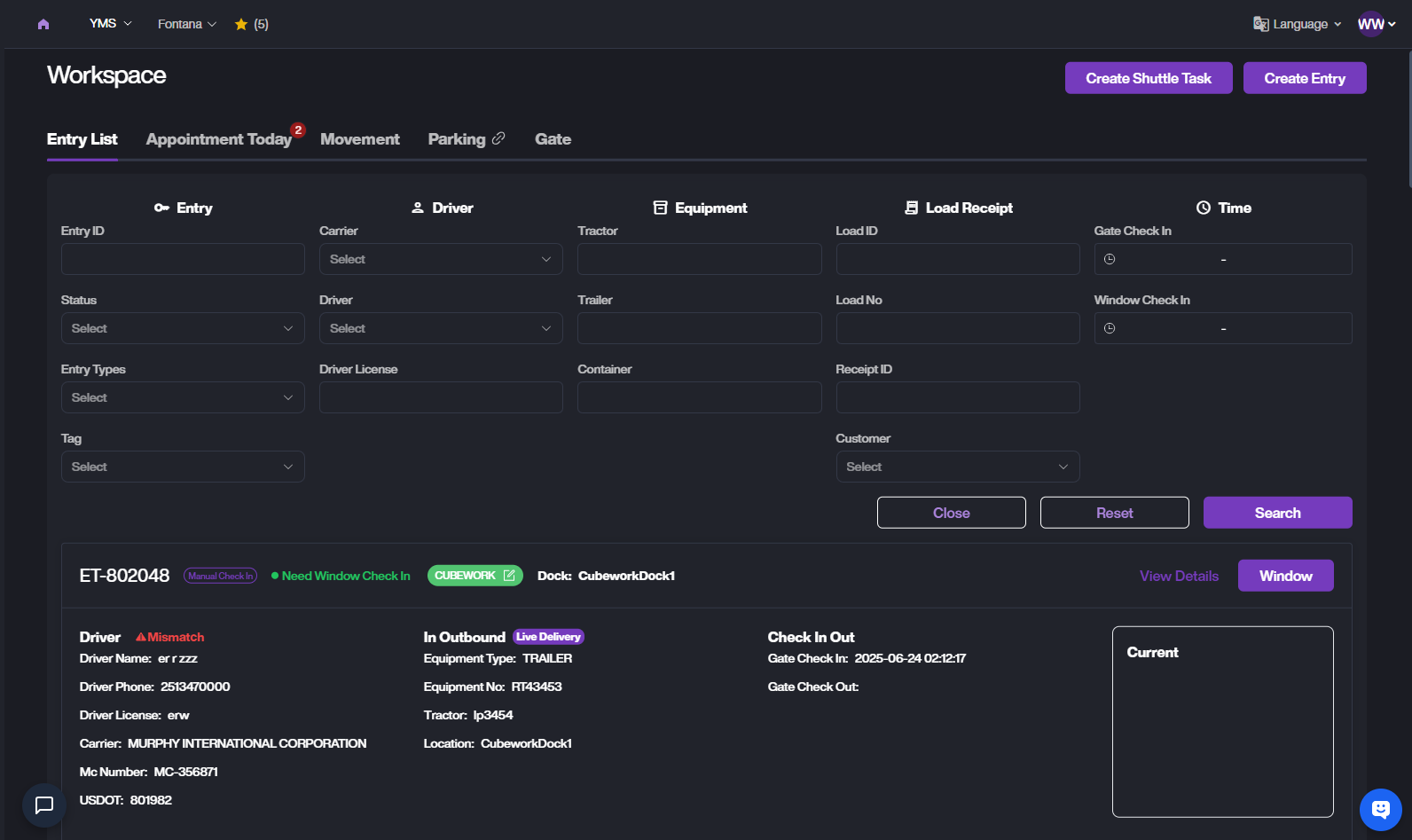
The Entry List page allows users to search, view, and manage all yard entry records, including driver information, equipment details, customer assignments, and gate check-in/out timestamps.
Search
At the top of the Entry List page, click the filter icon to switch between Quick Search and Advanced Search.
Quick Search

You can search using:
ET Number
Driver Name
Equipment Number
Load Number
Receipt ID
Reference Number
Advanced Search includes:
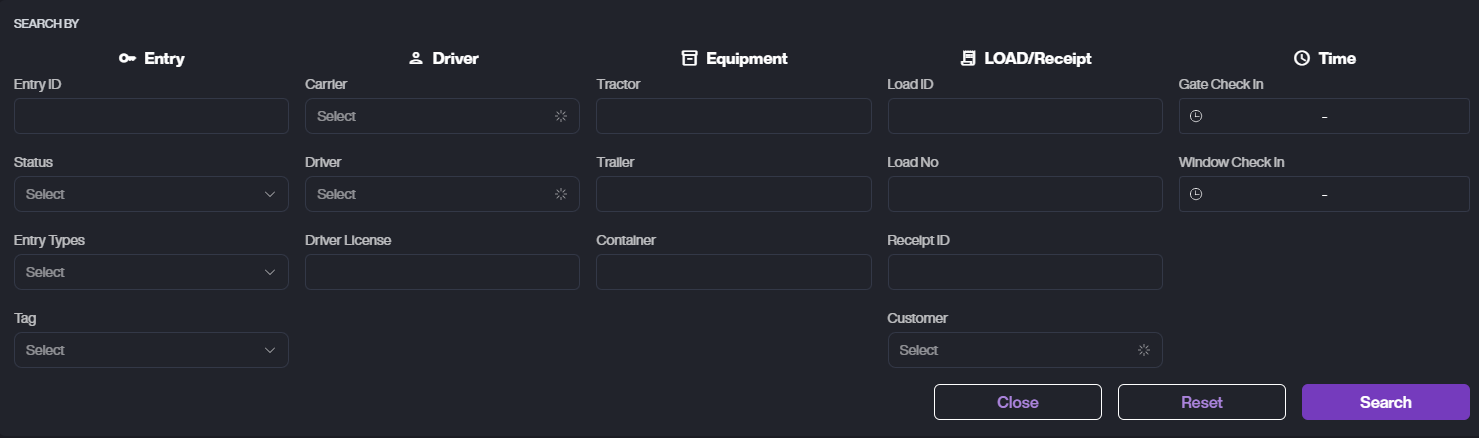
Entry Info: Entry ID, Status, Type, Tag
Driver: Carrier, Driver, License
Equipment: Tractor, Trailer, Container
Load/Receipt: Load ID, Load No, Receipt ID, Customer
Time: Gate Check-In, Window Check-In
ET List
Entry Card
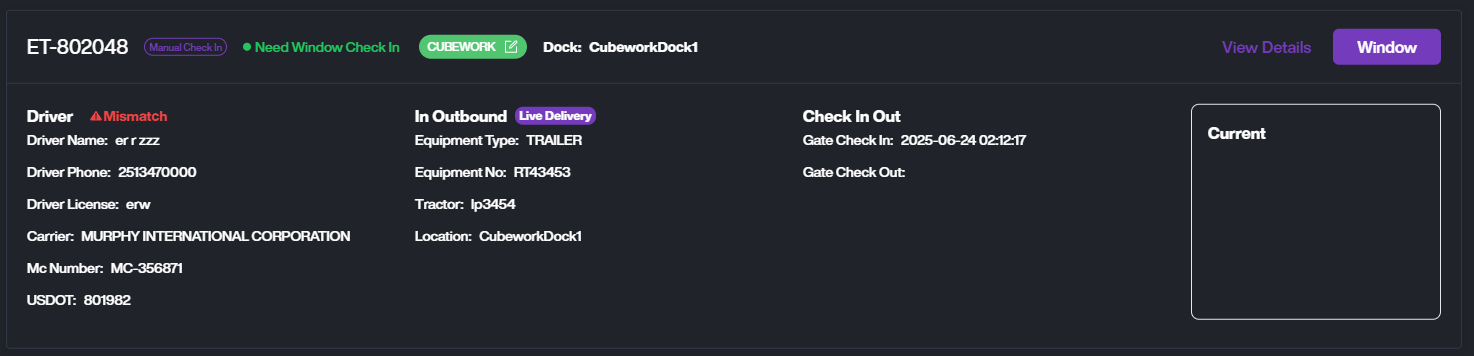
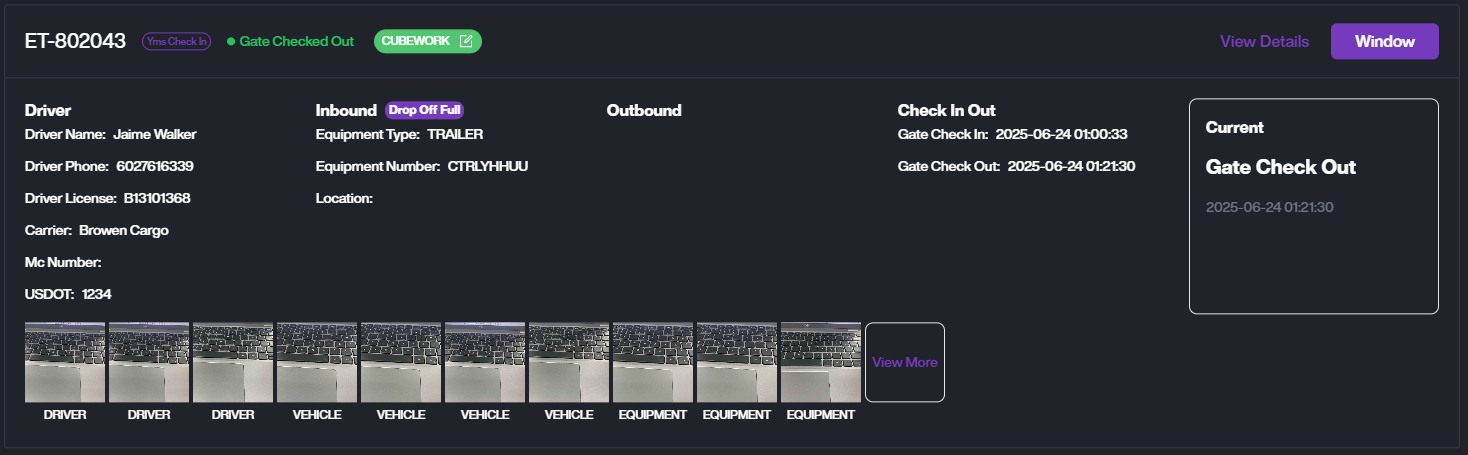
1. You can view the ET's Driver info, Equipment info, In/Outbound Action, Check In/Out Time, and Current Status.
2. View Details. Click View Details to see the ET details, including the task timeline and entry photos.
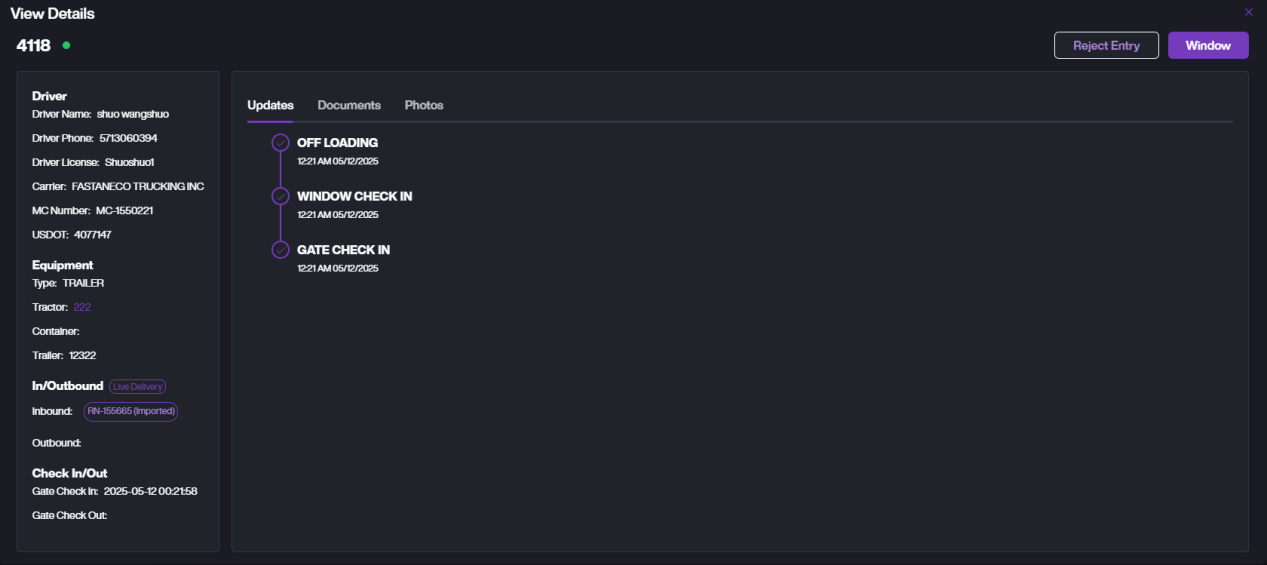
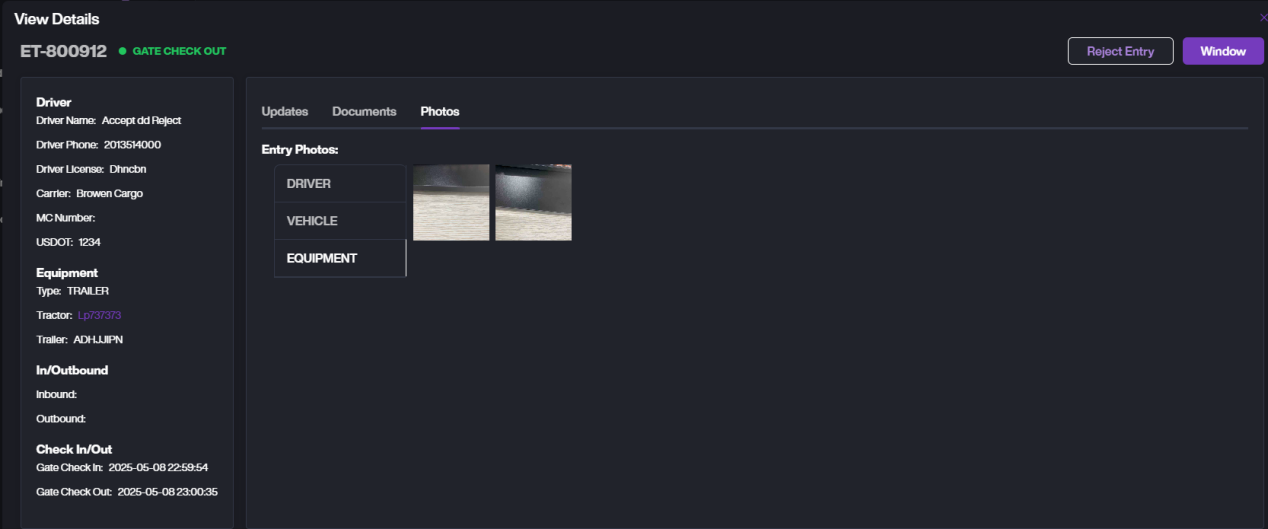
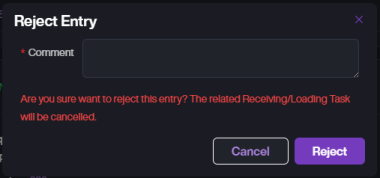
3. If you need to reject this ET, click Reject Entry to reject and close it.
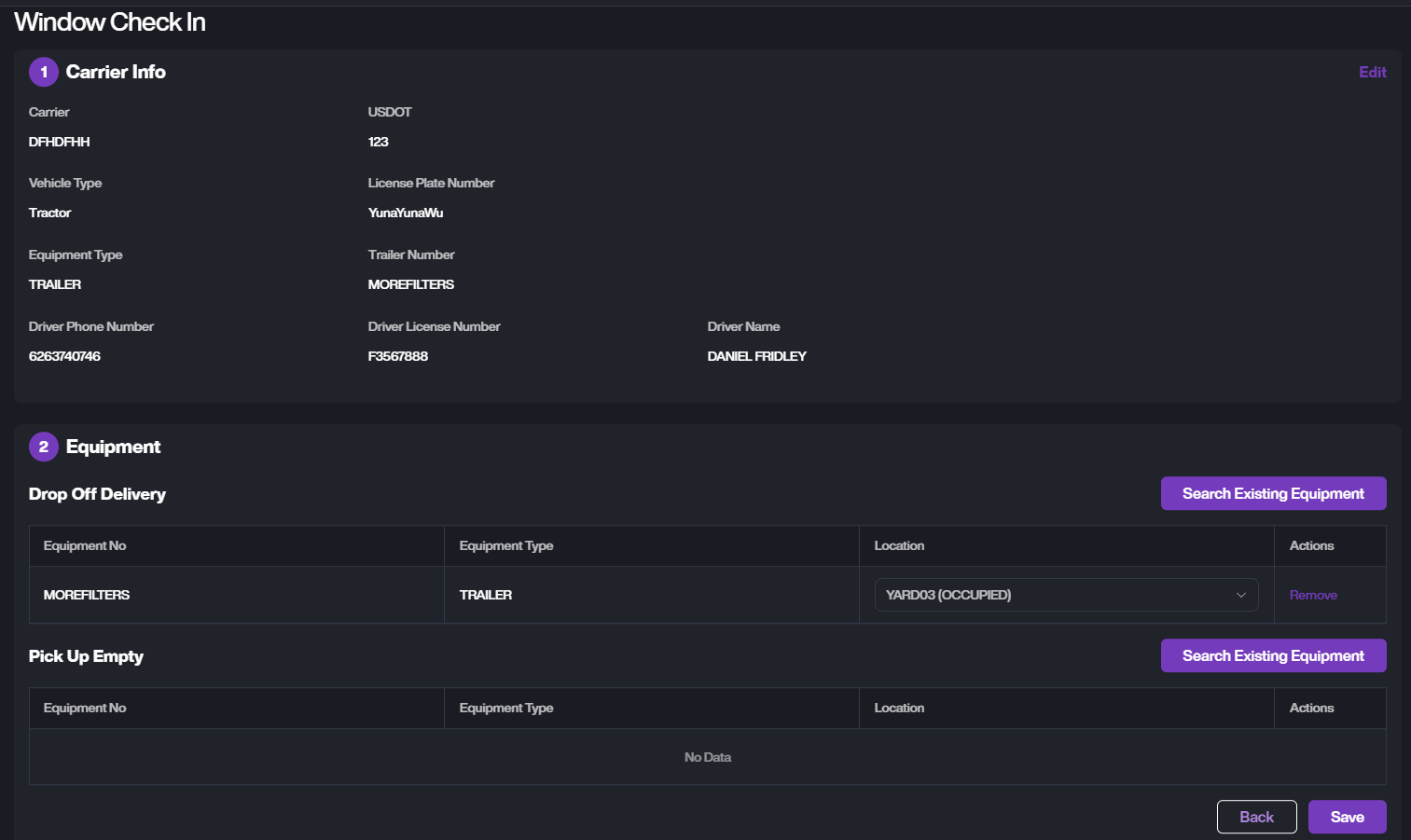
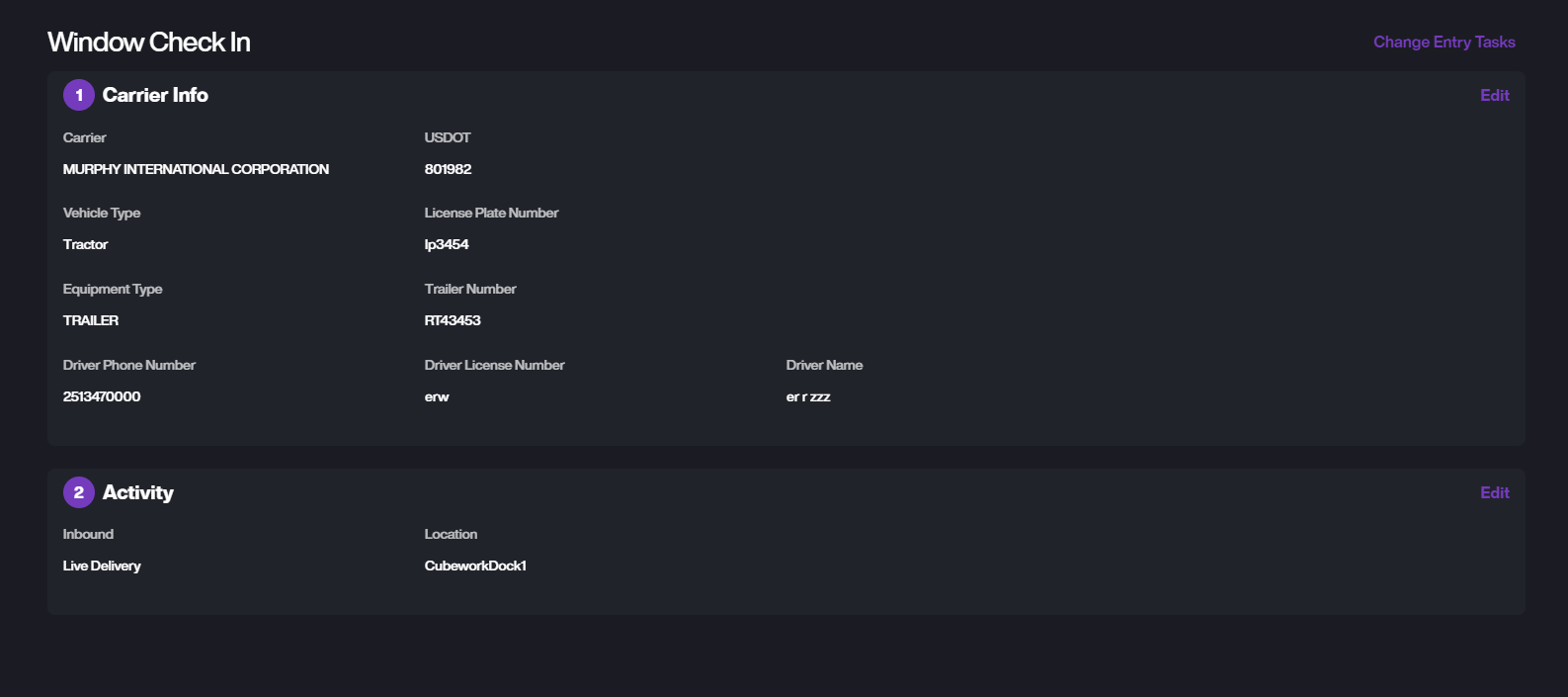
4. Click Window to perform operations such as edit ET information and location assignment for the ET at the window.