YmsCubework sop
Getting Started
Getting Started
Portal Address
Access the Carrier Portal at: https://traffic.item.com.
Logging In
1. Log in using the username and password provided by your administrator.
2. Enter your username or account email.
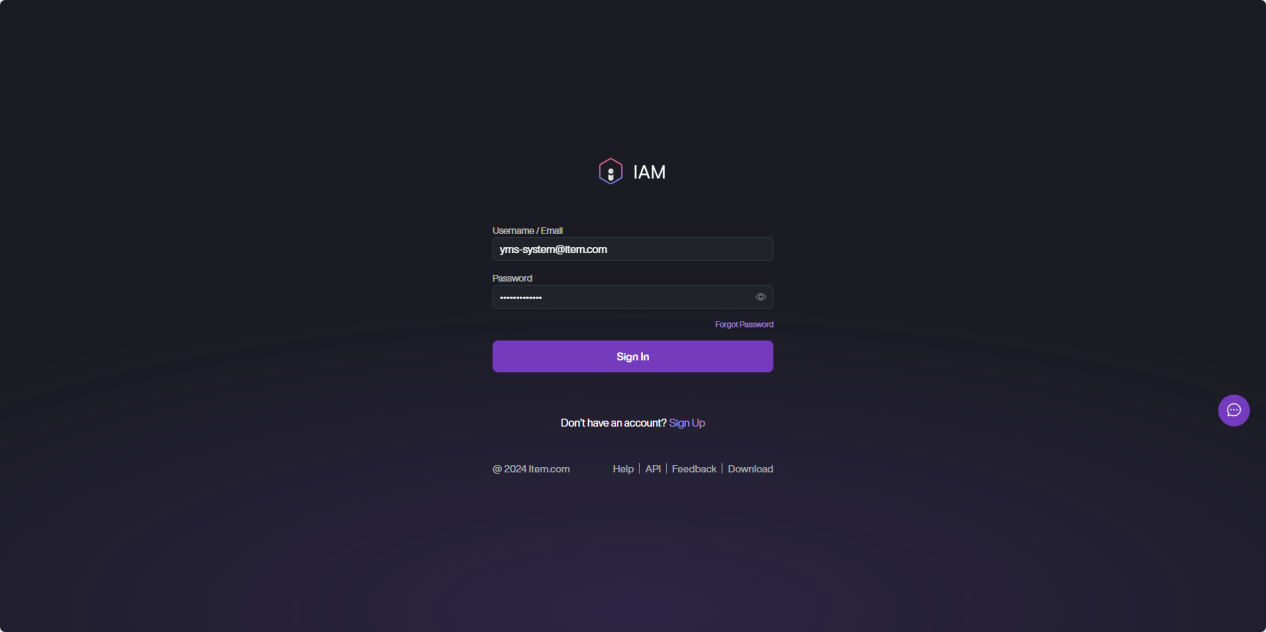
3. Enter your password.
4. Click Sign In to access the YMS.
Switching Yards
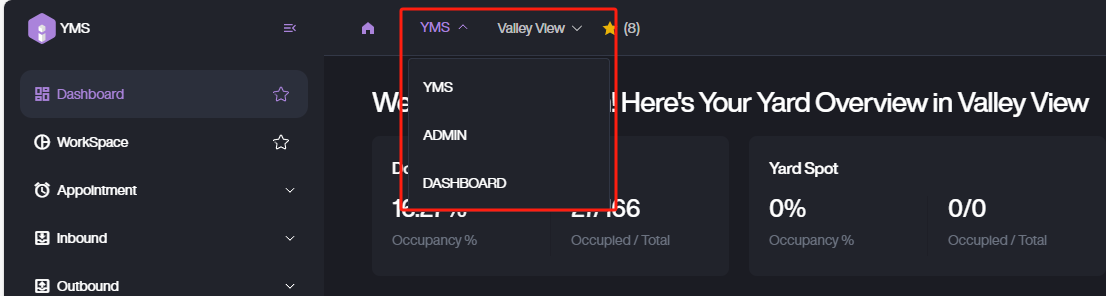
1. To switch yards, use the yard selector at the top of the page. Select the desired yard from the dropdown list to view and manage data for that yard.

2. You can also use the top navigation bar to switch between modules: select Admin to enter system management, or YMS to return to yard management.
Favorite Menus
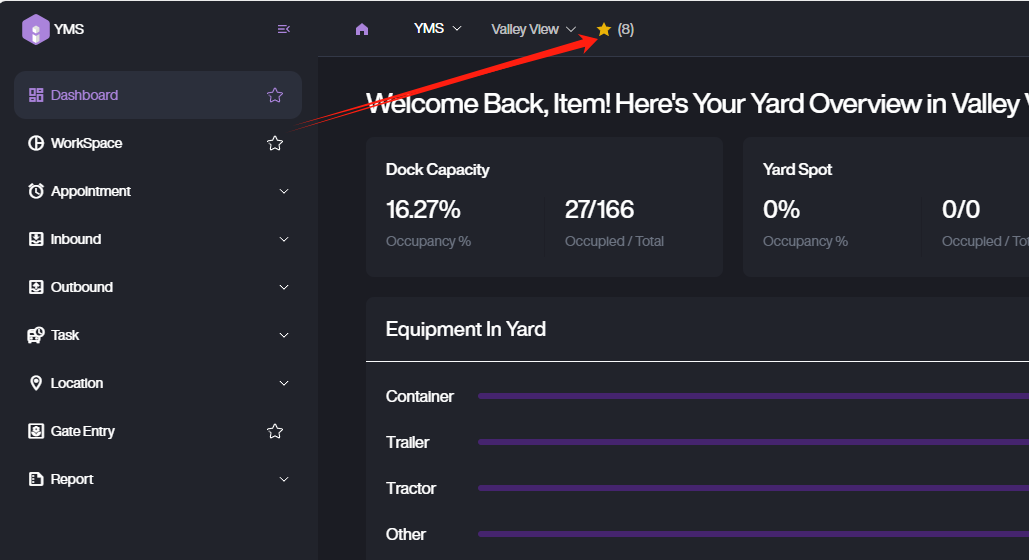
You can add frequently used menus to your favorites for quick access. Click the star icon next to a menu item to add or remove it from your favorites list.