Wms v3OutboundLoad management
Print Actions
Print Actions
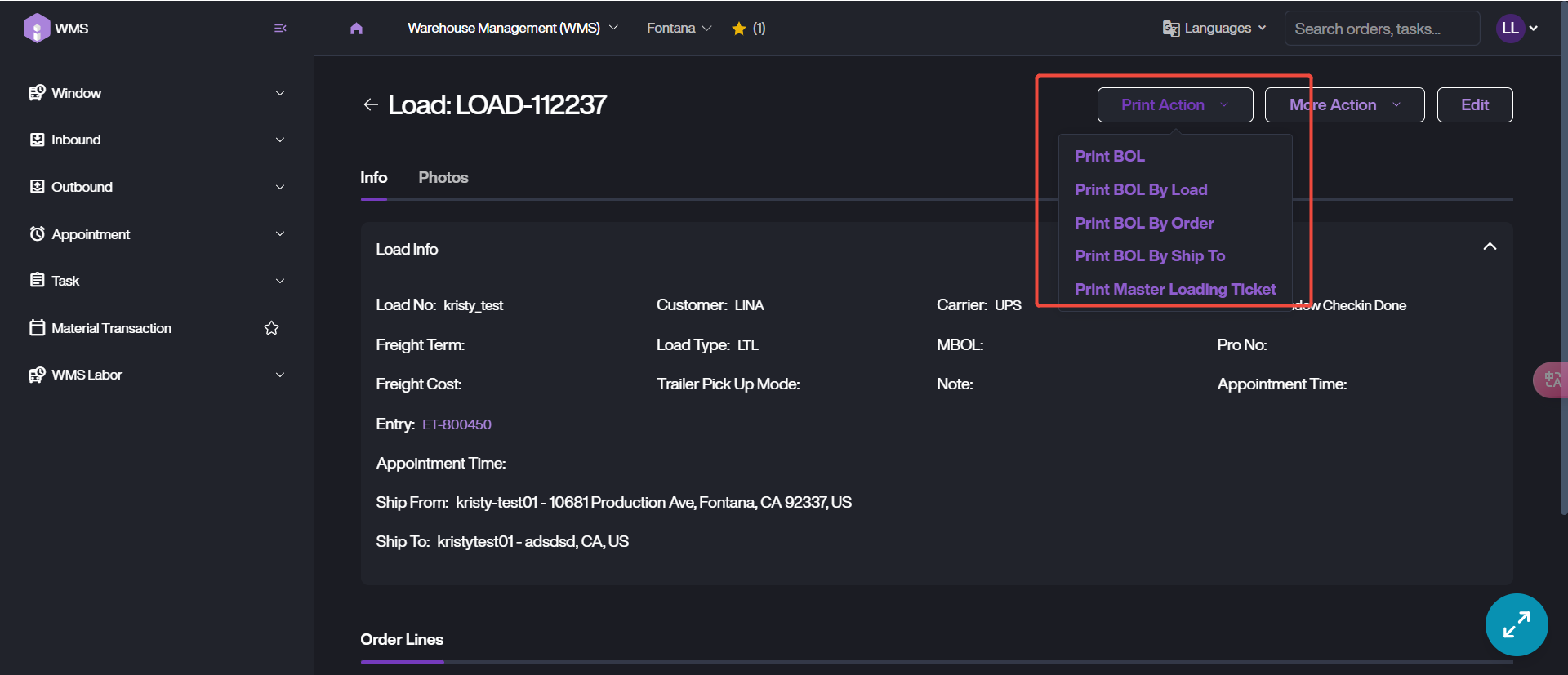
It supports to print the document related to load on Load Details page. These documents are currently available: BOL, BOL By Load, BOL By Order, BOL By Ship To and Master Loading Ticket.
1. Go into load details page.
2. Click on Print Action, choose the document type which you want to print.
3. Then select the local printer to complete the printing task. Please ensure the Local Connect App has installed and keeps running during this process.