
Wms v3OutboundLoad management
Edit Load
Edit Load
1. Retrieve the target load.
2. Click on Load ID or Detail action button into details page.
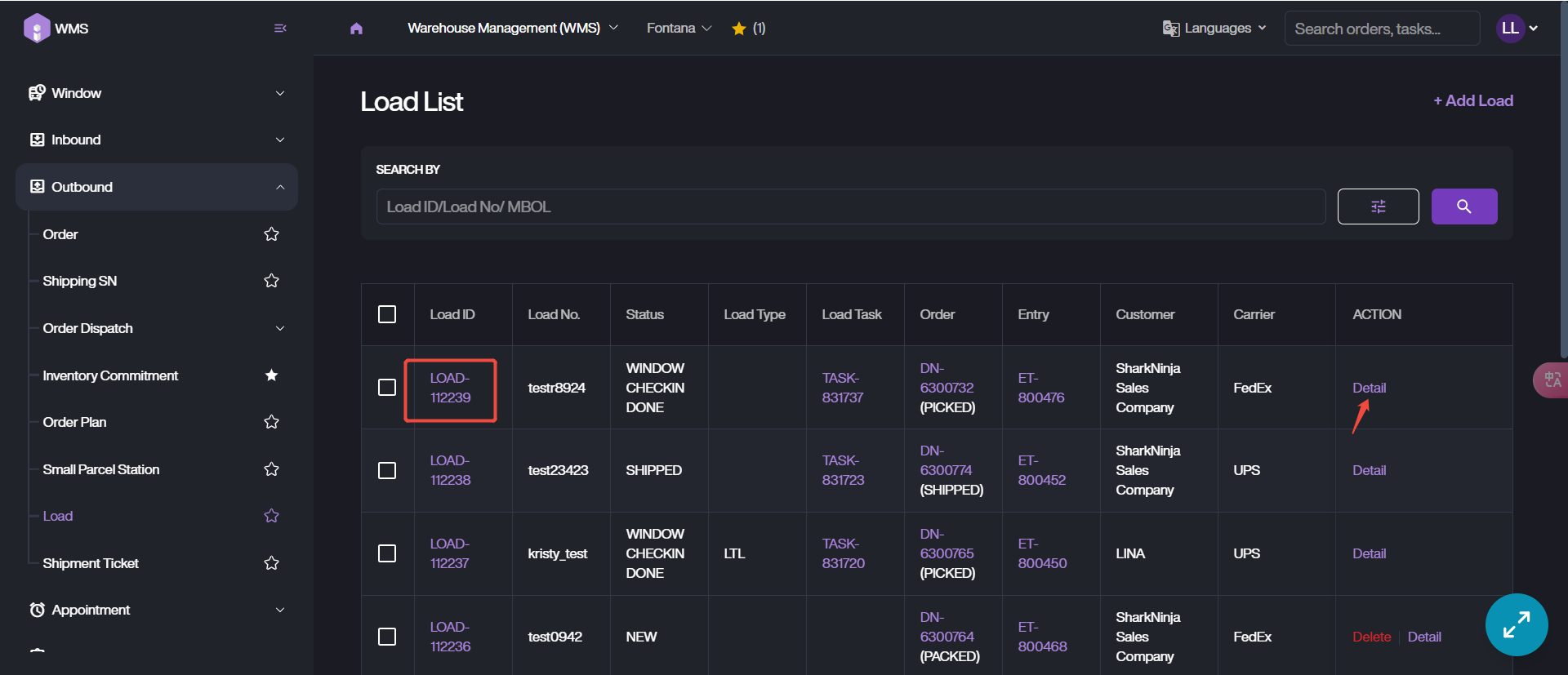
3. Click Edit.
4. Update the load information, change or add new order lines, then click Update to save these new information.