Wms v3InboundReceipt management
Edit/Cancel/Reopen Existed Receipt
Edit/Cancel/Reopen Existed Receipt
Note: reopen action is only for the receipt, which is in Closed status.
Edit Receipt
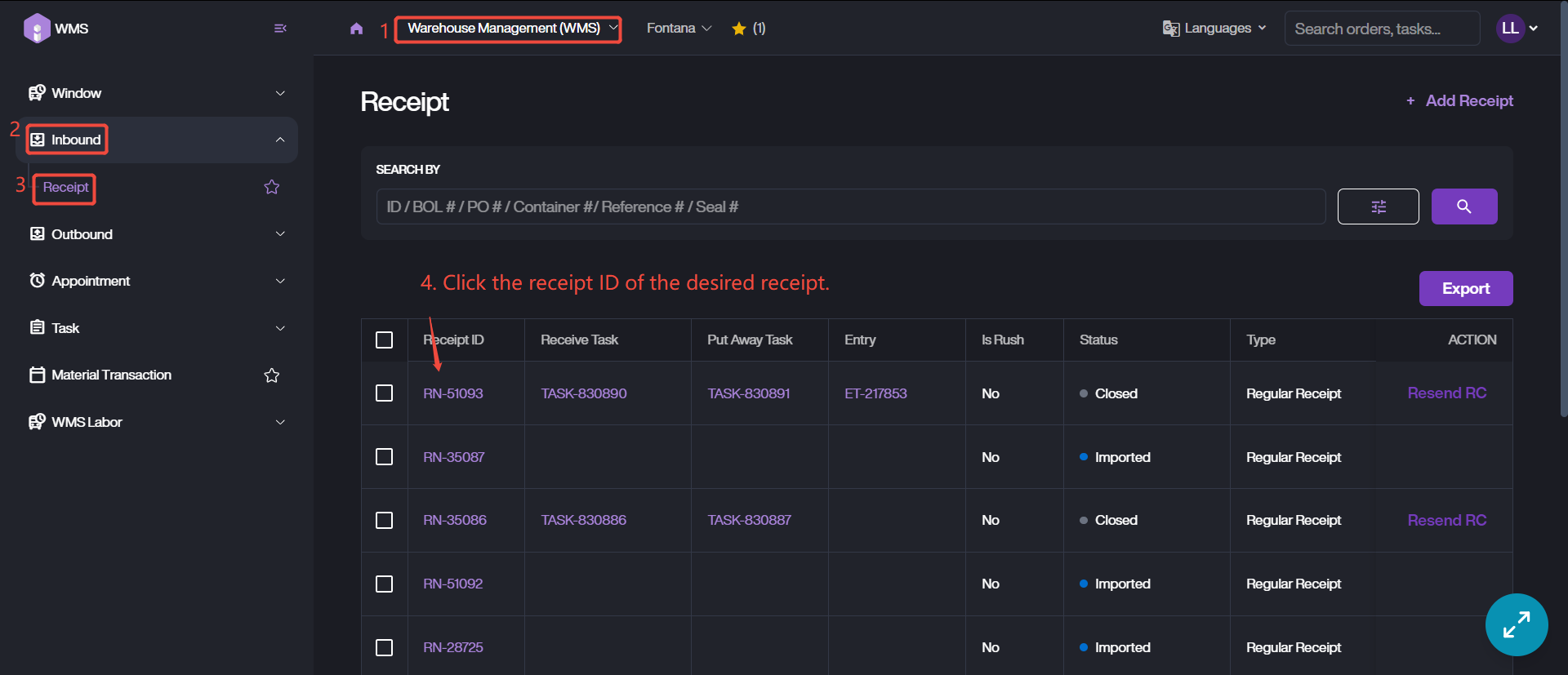
1. Access the receipt list, confirm target receipt and click the receipt number into details page. You can quickly retrieve the target receipt referring to the previous section.
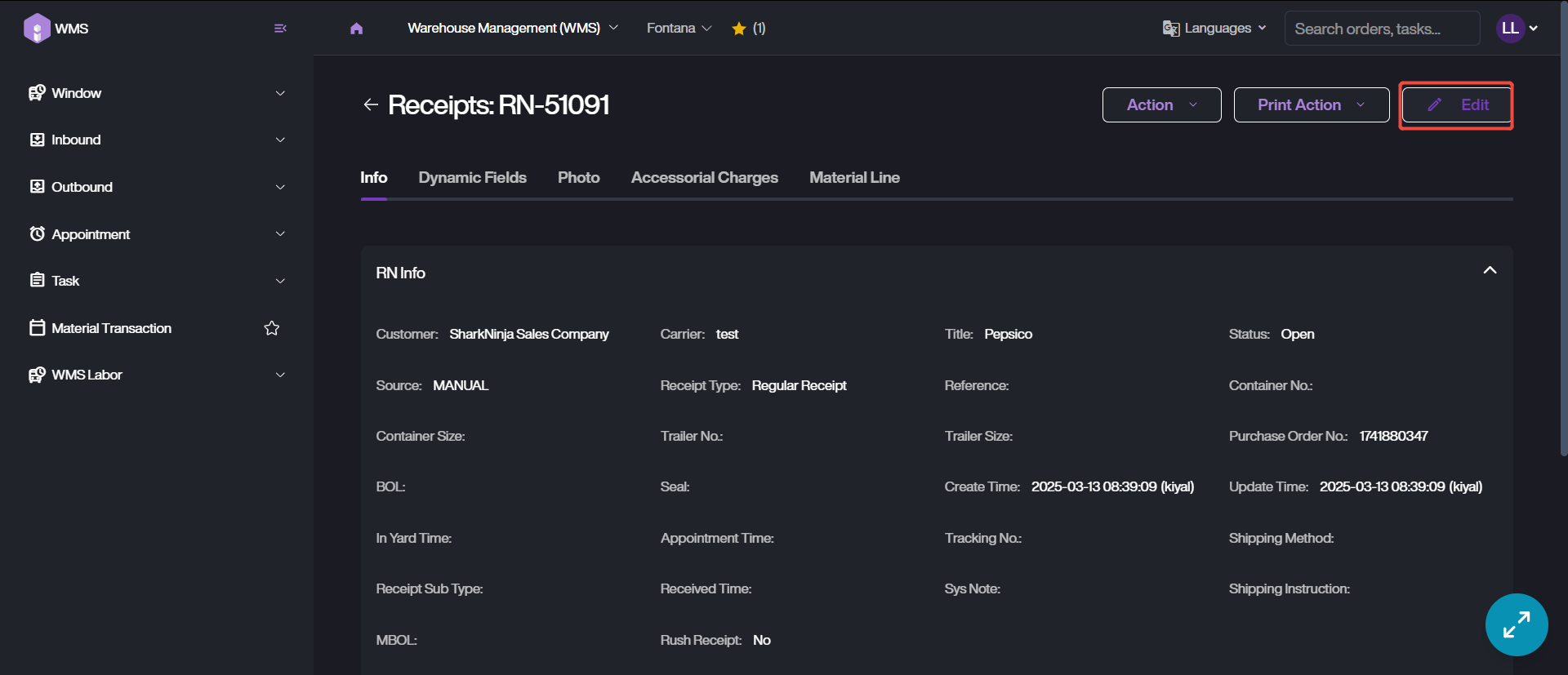
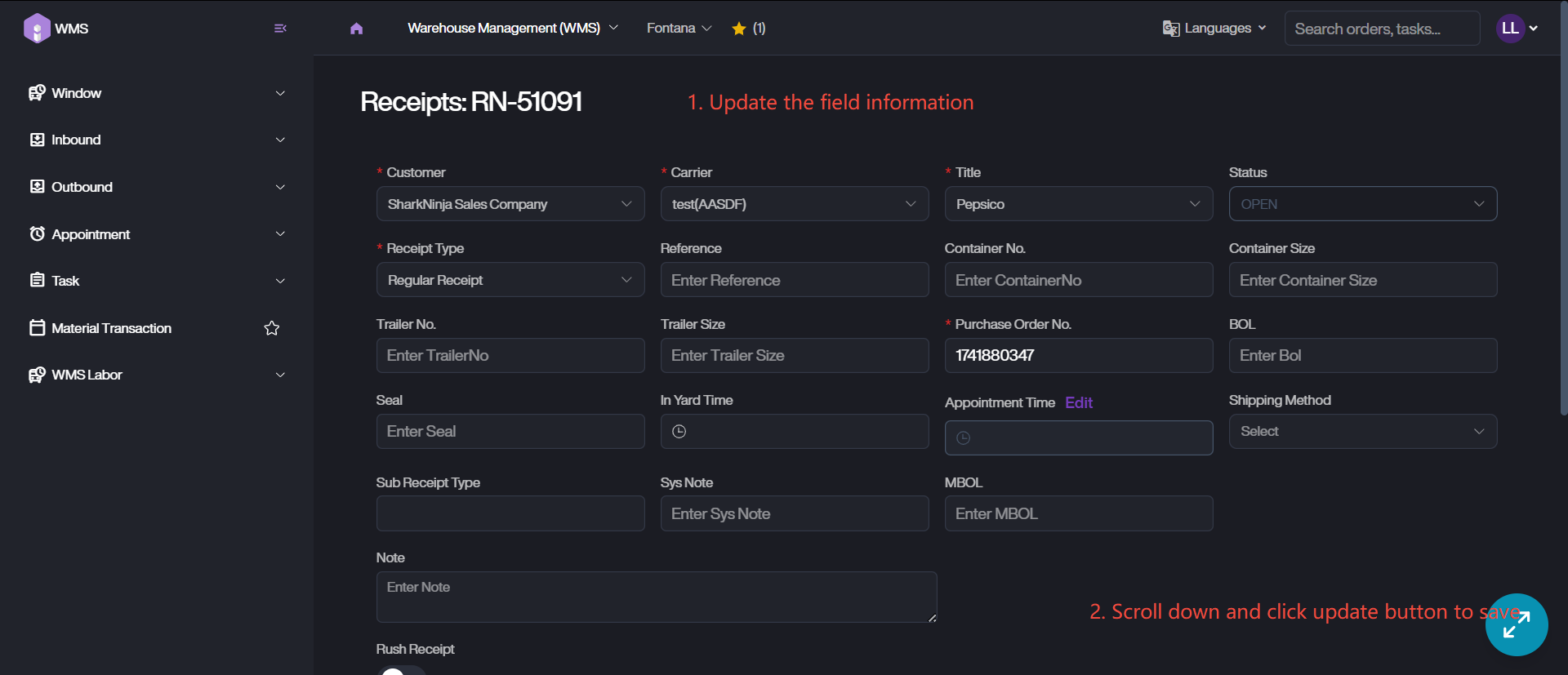
2. Click on Edit button, modify the corresponding information.
3. Save the updating info via clicking on Update.
Cancel / Reopen the Receipt
1. Refer the edit steps, accessing into receipt details page.
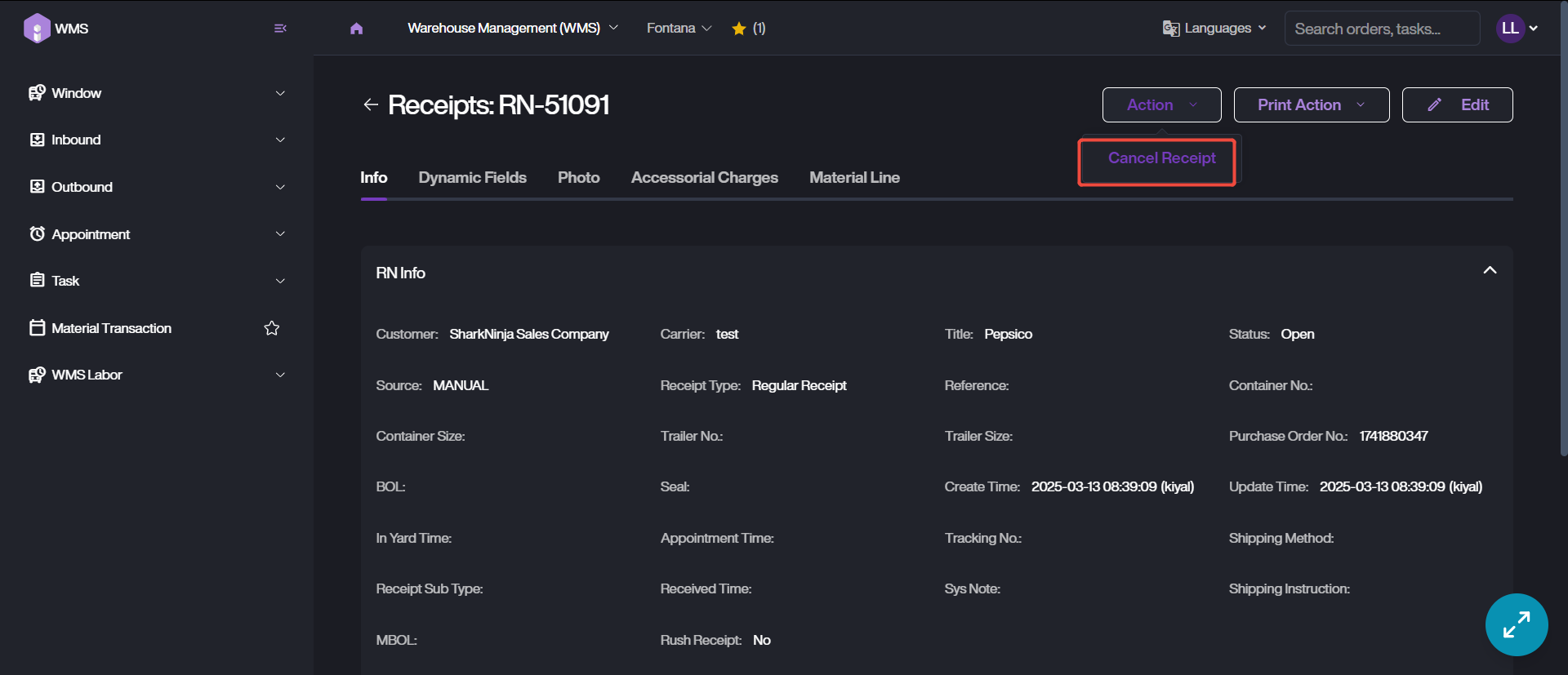
2. If you want to cancel a receipt which has not completed, or reopen a closed receipt. Please click Cancel Receipt action button or Reopen Receipt action button.