
Triggers
Triggers
Triggers are the entry points that initiate your workflow execution. You must add a Trigger type node as the Start node of a flow. It includes the following types:
Schedule Trigger (Cron): Starts at a fixed time or interval using cron expressions.
API Trigger: Starts when an external system calls the provided API endpoint.
Event Trigger: Starts when a specific system event occurs.
Mail Trigger: Starts when incoming emails are received through connected mailboxes.
Cron Trigger
The Cron node is a schedule-based trigger that starts workflows at specified intervals using cron expressions.
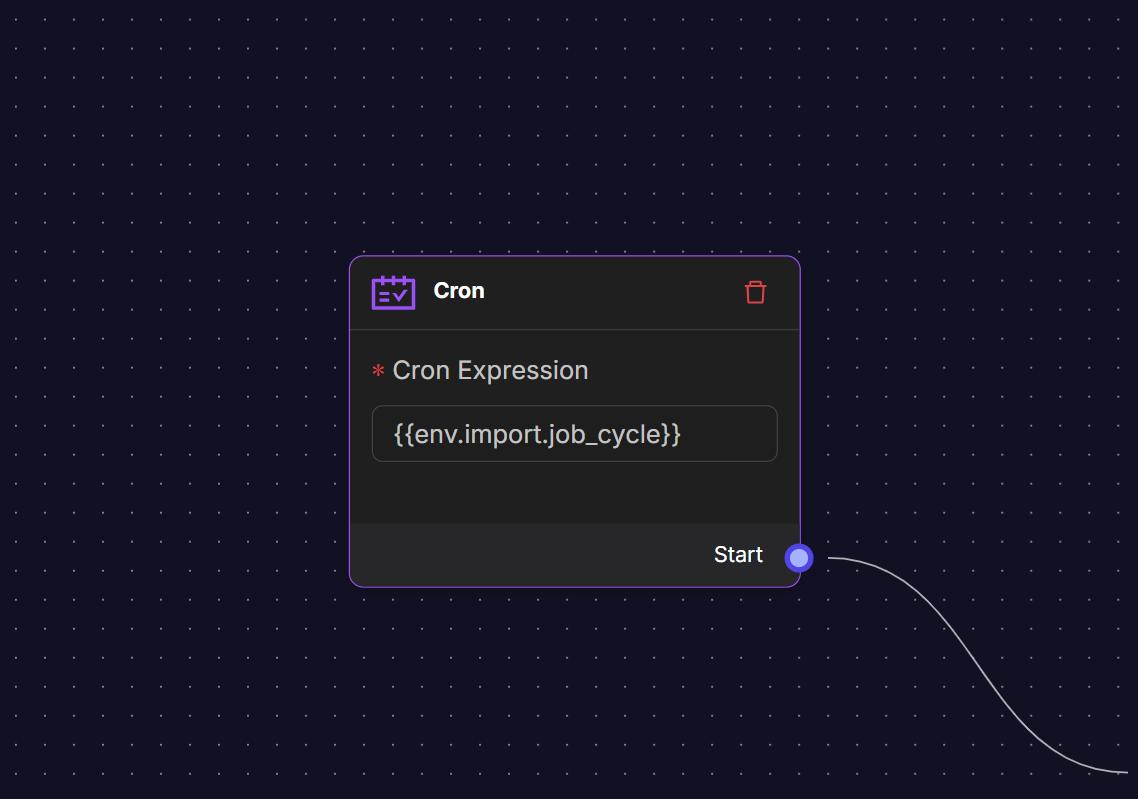
Cron Expression: Time-based scheduling using standard cron syntax. Example: Every 15/30 minutes: 0 /15 ; 0 /30 *`.
Dynamic Cron Expressions: Use environment variables for flexible scheduling {{env.import.job_cycle}}.
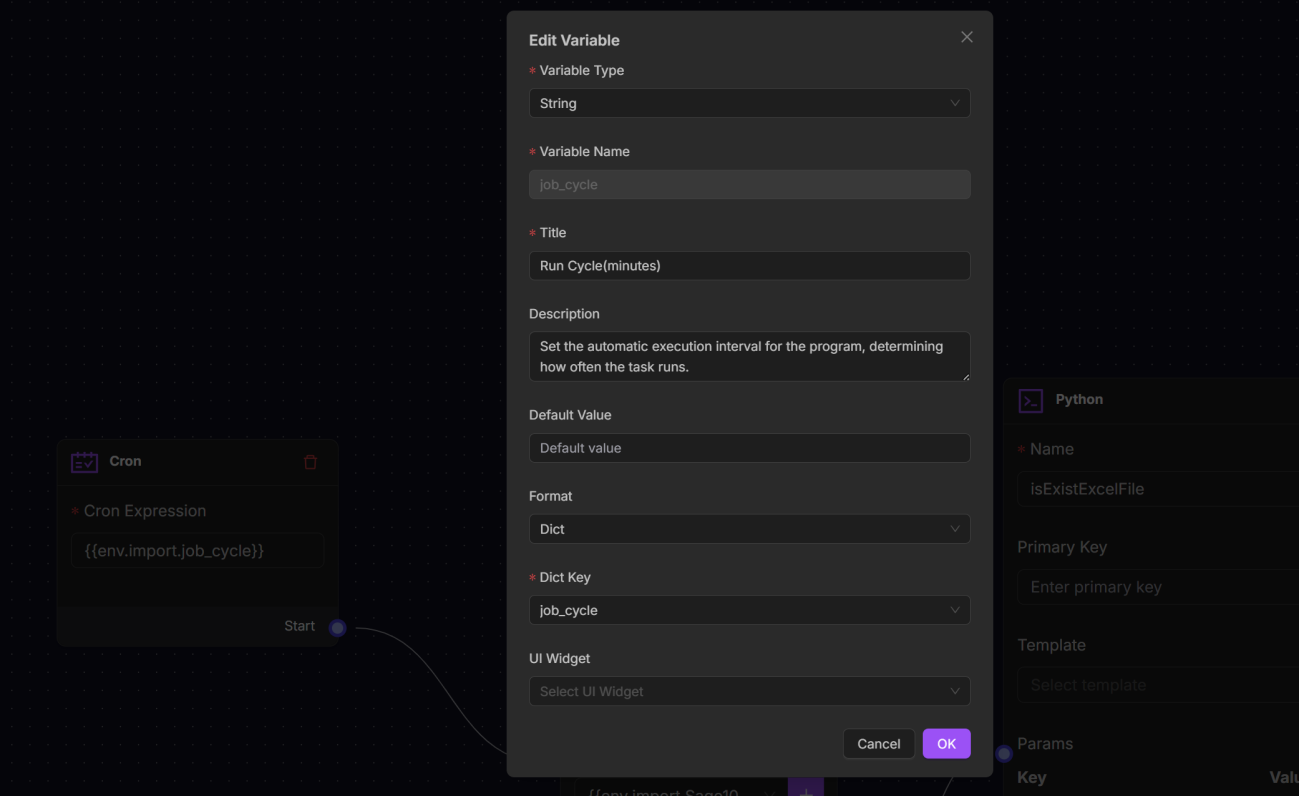
To Configure the dynamic Cron Expressions:
1. Click the Env environment on the top navig bar. 2. Choose the import variables. 3. Fill in the following fields:
Variable Type: Determines data type (String, Array, Number, Boolean, Object).
Variable Name: Internal identifier used in expressions.
Title: Human-readable display name.
Description: Context and usage notes for team members.
Default Value: Initial value when the variable is created.
Format: Choose from Date Time, Date, Time, or Dict.
Dict Key: Specify the dict key.
4. Click OK to save the setting.
API Trigger
Use the API trigger to initiate workflows via HTTP requests. By specifying a path, you can trigger predefined tasks through a constructed URL. This is ideal for event-driven scenarios, such as external systems or services triggering internal processes.
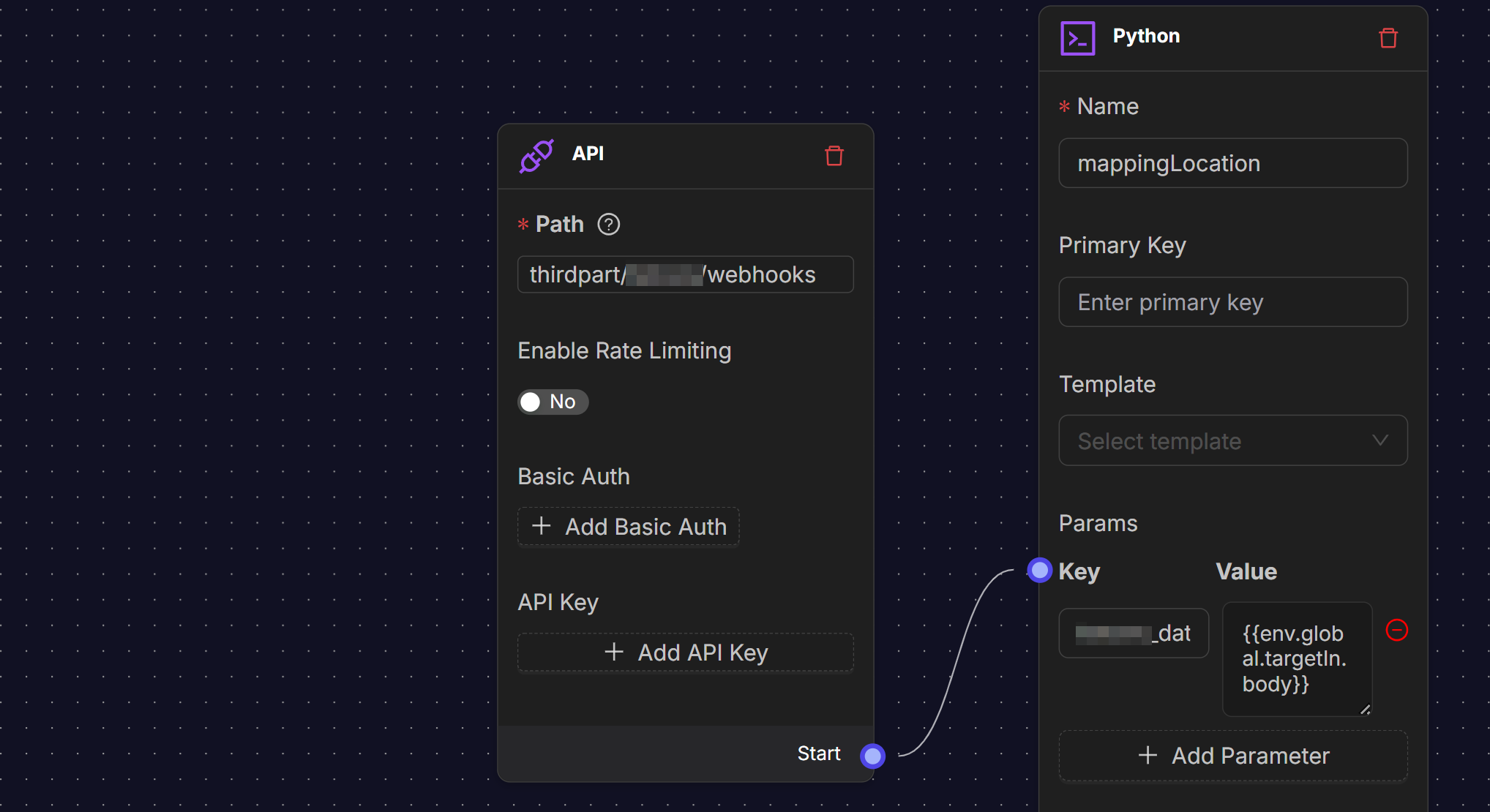
Settings include:
Path: Provide the URL endpoint path
Enable rate limiting: Toggle on/off the switch.
Rate Limit threshold: Configure request limits per time window.
Authentication: Currently support Basic Auth and API Key only. For Basic Auth: Provide Username/password combination; for API Key: Provide Api key only.
Event Trigger
The Event trigger rely on message topics (e.g., Kafka) to initiate workflows when specific events are published to a topic. This provides a dynamic way to handle system changes.
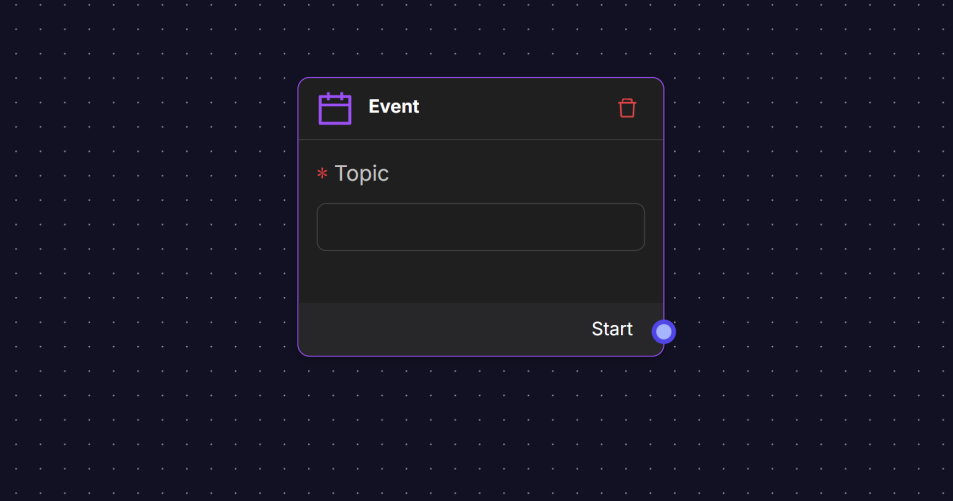
Settings include:
Topic: Event name or category to listen for.
Use Case | Event Topic | Purpose |
|---|---|---|
Order creation | item.oms.order.created | Trigger a fulfillment flow. |
Shipment update | item.wms.shipment.completed | Notify customer systems of delivery completion. |
Example Flow
Mail Trigger
The Mail trigger monitor specific email accounts and initiate workflows based on incoming emails.
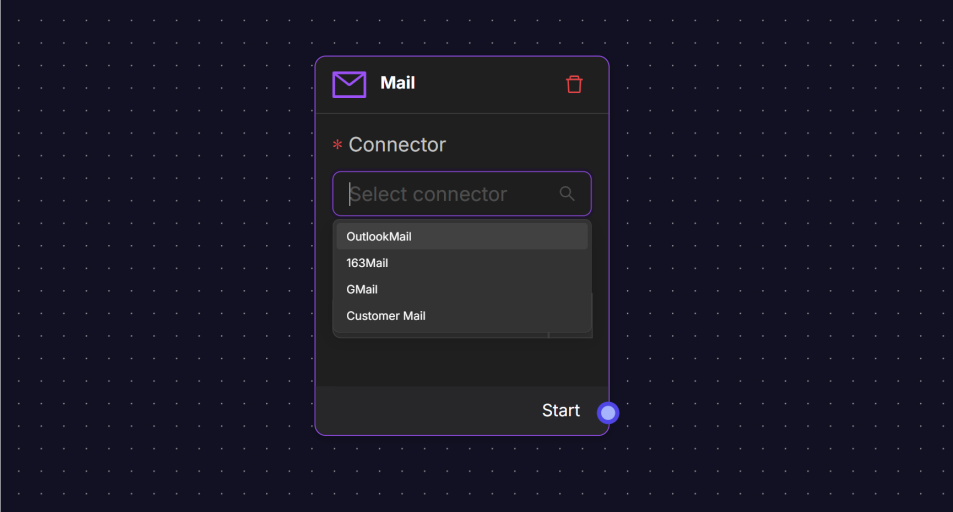
Settings include:
Connector: Choose a mail Connector from the Email provider (Gmail, Outlook, 163 Mail).