
Connectors
Connectors
Use Connectors node to call authorized connectors to exchange data between Item systems and third-party platforms; perform a defined operation such as synchronizing data or retrieving orders.
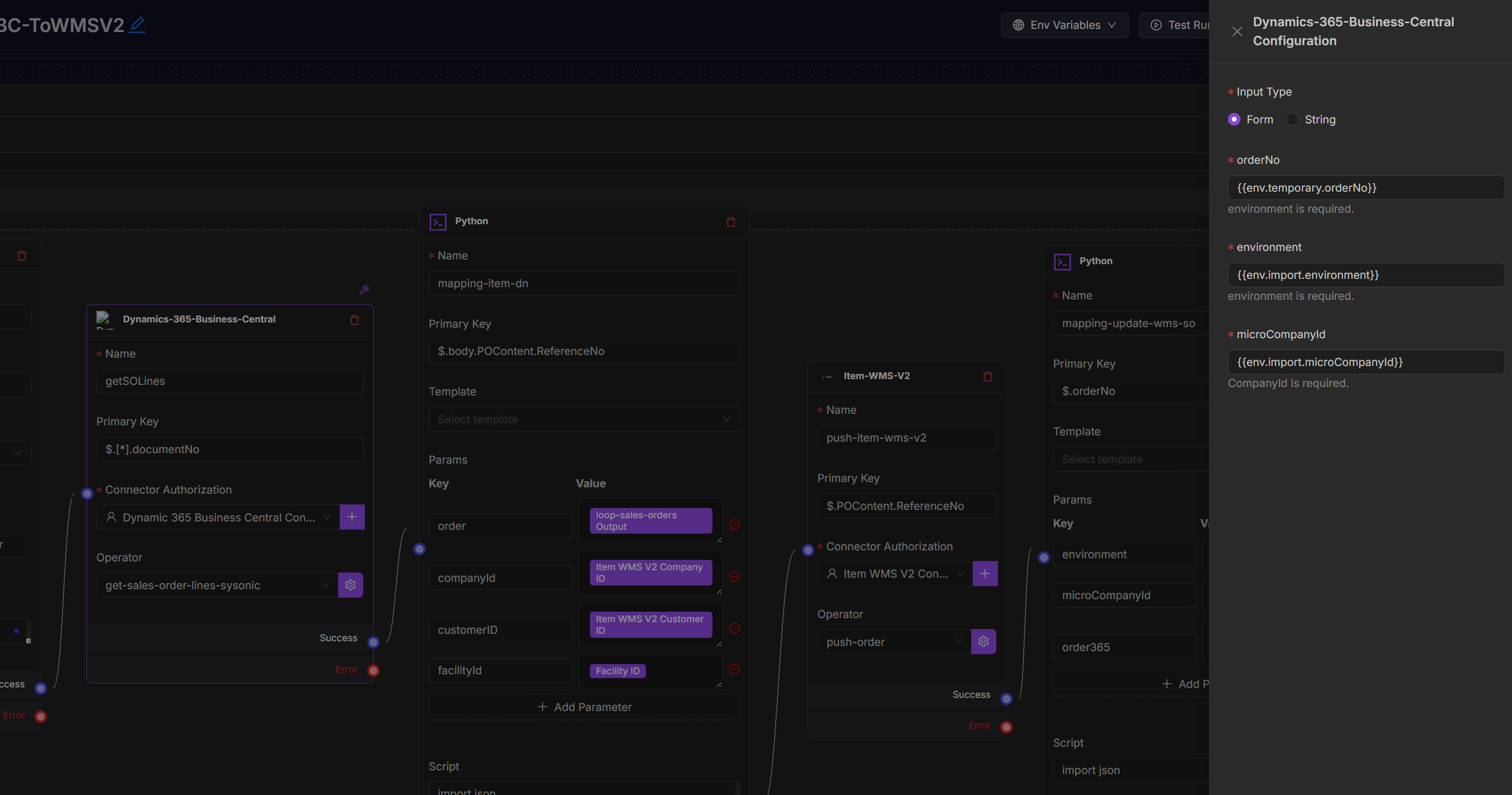
Settings include:
Name: Logical identifier for the node within the flow (e.g., get-oms-inventory-data, sync-shopify-orders).
Primary Key: Unique identifier for the operation.
Authorized Connector: Specifies the integration that provides authentication and access.
Operator: Represents the action or function exposed by the connector (e.g., syncInventory, getOrders, createCustomer).
Scenarios
Connector nodes are essential building blocks that allow you to automate business processes like:
Order Sync: Pull orders from Shopify and push to item OMS.
Inventory Update: Retrieve stock levels from item WMS and sync to Amazon or Shopify.
Shipment Tracking: Send shipping data from item OMS to marketplaces or logistics platforms.
Other data sync flows.
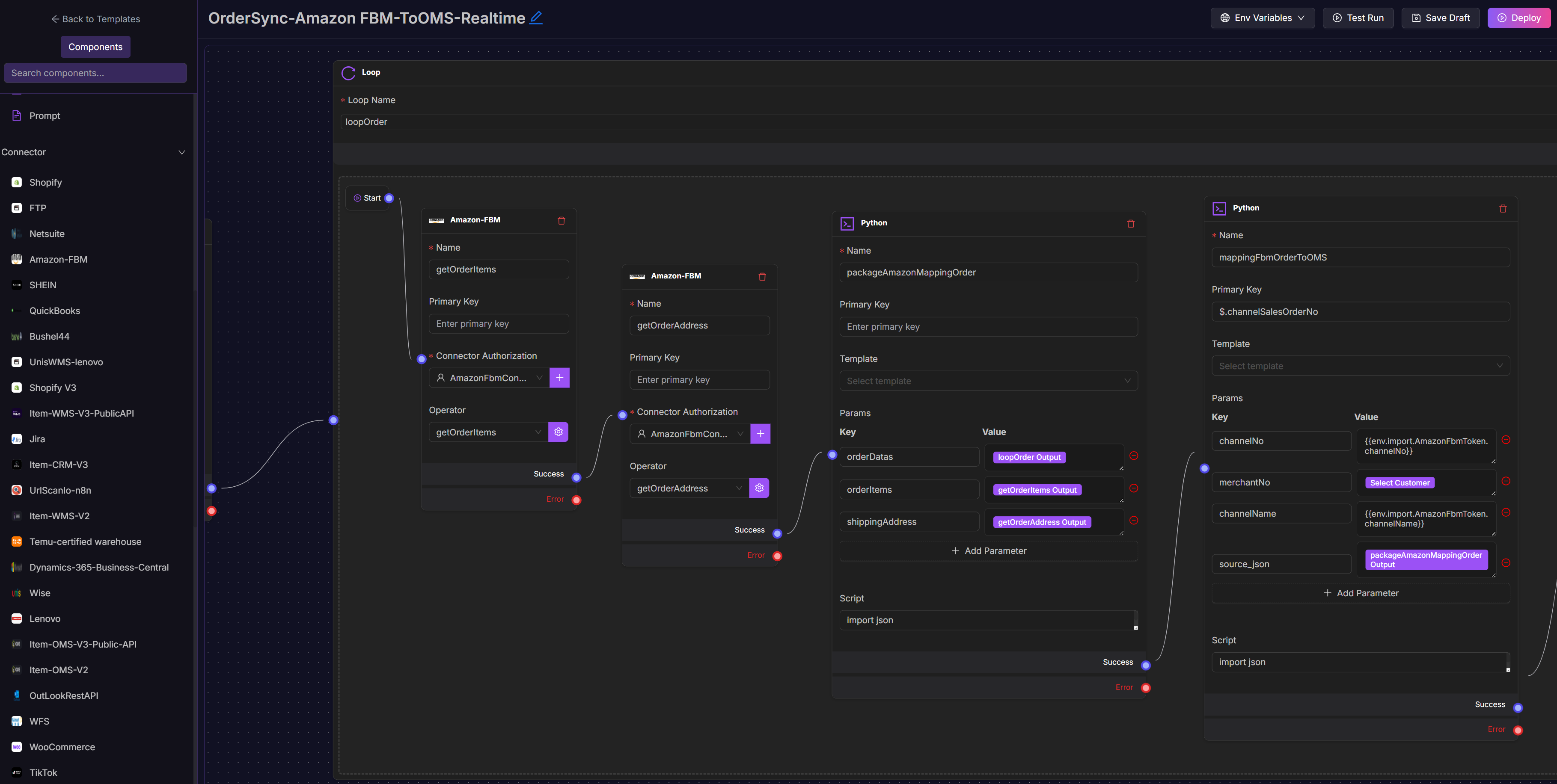
Example Workflow Pattern
Trigger: Cron node (runs every hour)
Connector Node 1: Fetch orders from Amazon-FBM
Loop Node: Loop the entire order fetch operations
Python Node: Format and validate order data
Connector Node 2: Send formatted data to item OMS
The workflow automates real-time order syncs between platforms without manual handling. For more info, see Flow Templates.