Wms v3OutboundOrder management
Print Action
Print Action
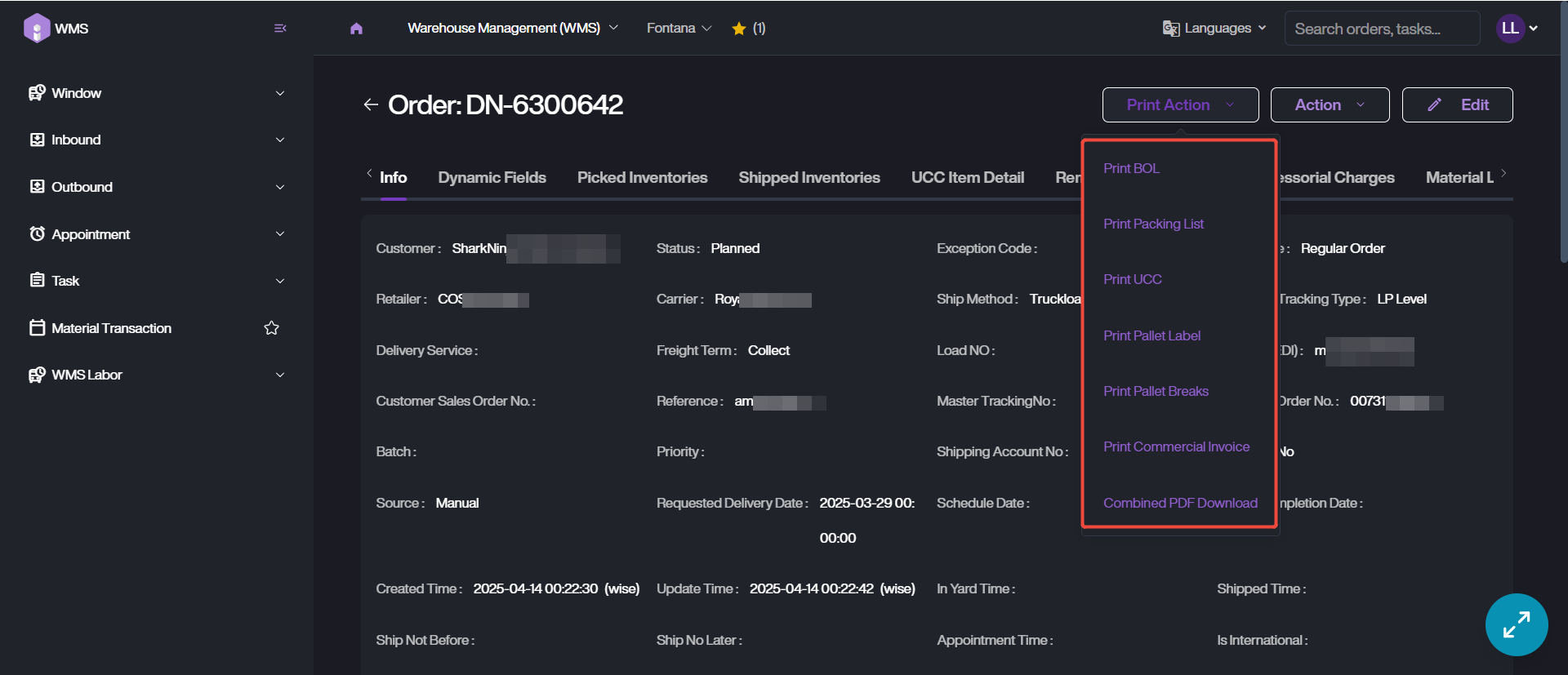
The Print Action feature enables users to generate and print essential shipping and inventory documents, such as BOL, packing list, pallet labels, UCC and other relevant files.
Note:
Before the printing, please refer to Print Service complete the configurations and run the Local Connect App.
1. Please confirm the target order data first, then click on Order ID into Order Details page.
2. Click on Print Action button, select the related operation according to your printing requirements.
3. Select Local Printer for this print task.
4. Click Print to complete.