Wms v3OutboundOrder management
Edit Existing Orders
Edit Existing Orders
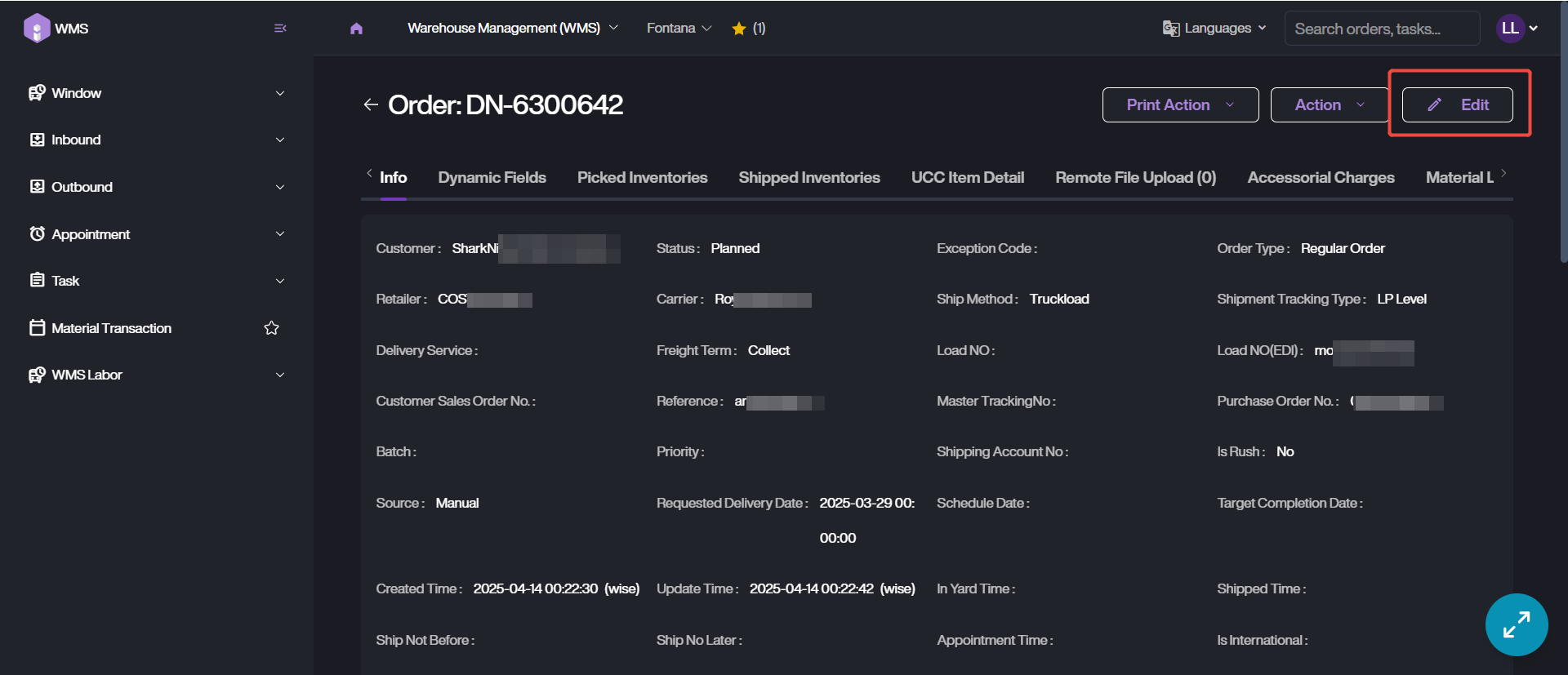
If there is any incorrect with the single order, please follow the steps below to edit the information.
1. Retrieve the order data under Outbound > Order.
2. Click on Order ID into order details page, then click on Edit button.
3. Replace the order data with the latest info.
4. Save the new data.