
3pl billing
AR - Setup of Billing, Facility Mapping of Customer
AR - Setup of Billing, Facility Mapping of Customer
1. Click on the Customer module name in the left navigation panel to open the drop-down menu. Then, click on Cash Receipts. The interface shown in the image below will be displayed.
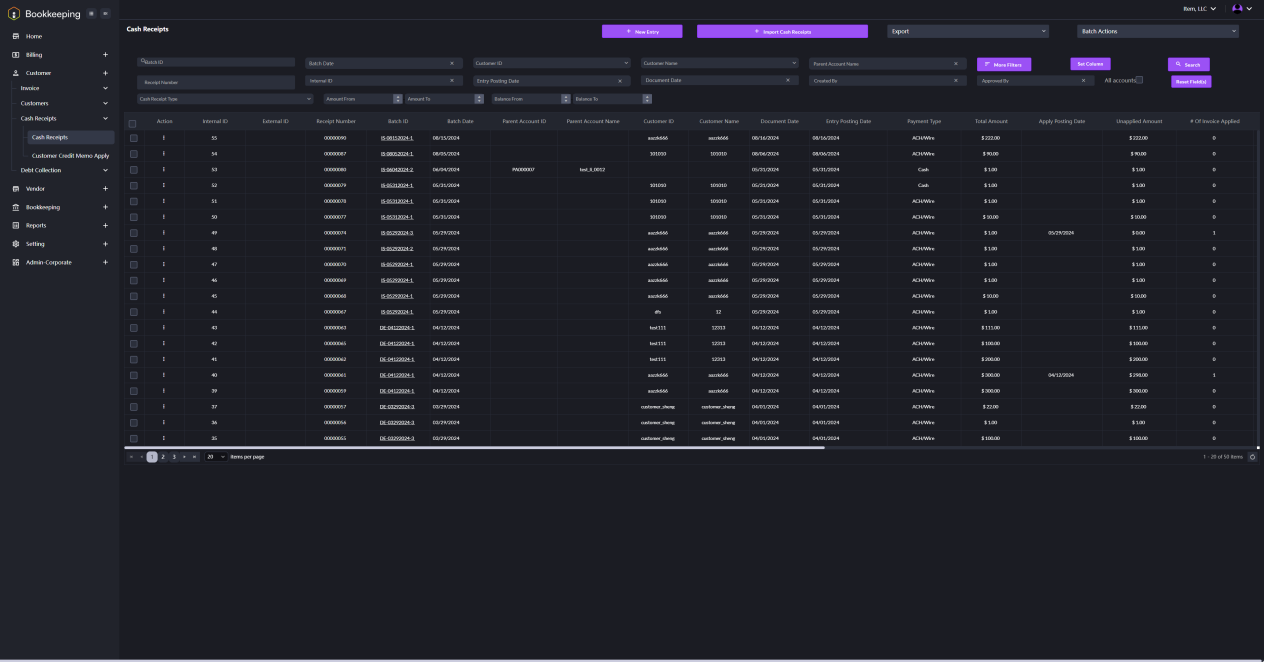
2. Click the New Entry button. A dialogue window will appear as shown in the image below. Fill in the detailed information to set up a billing.
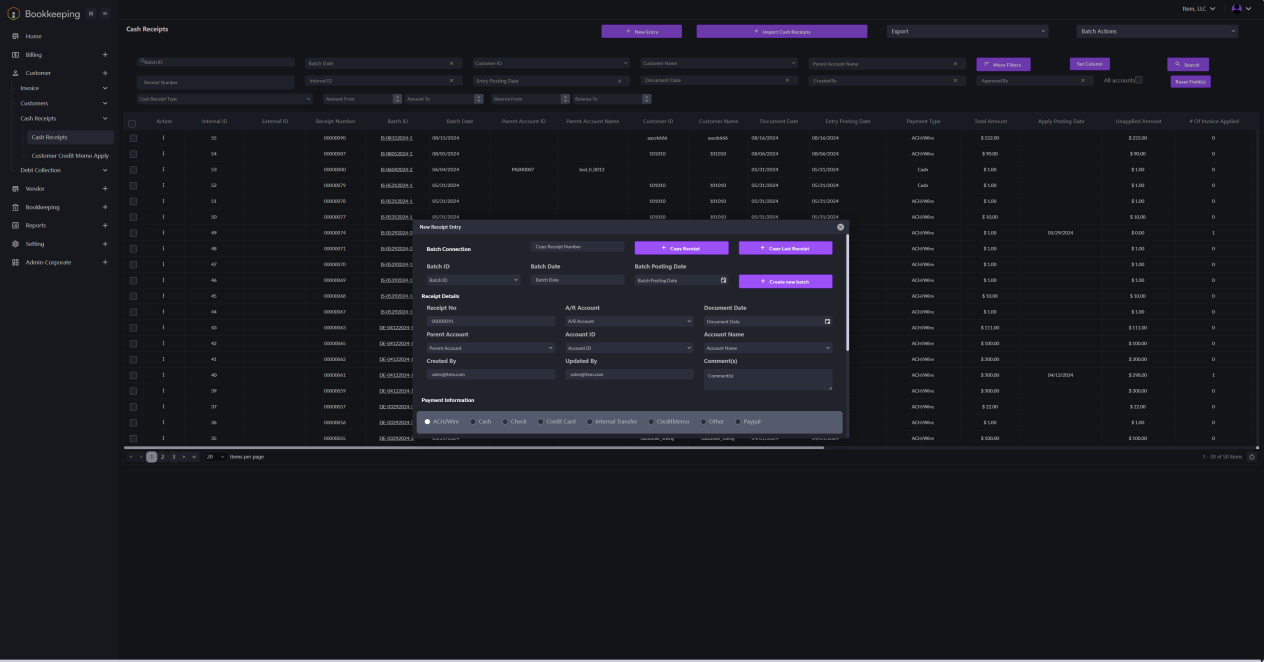
Note: Customer facility mapping will be performed automatically.