
Wms v3InventoryInventory movement
Create New Inventory Movement on WMS App
Create New Inventory Movement on WMS App
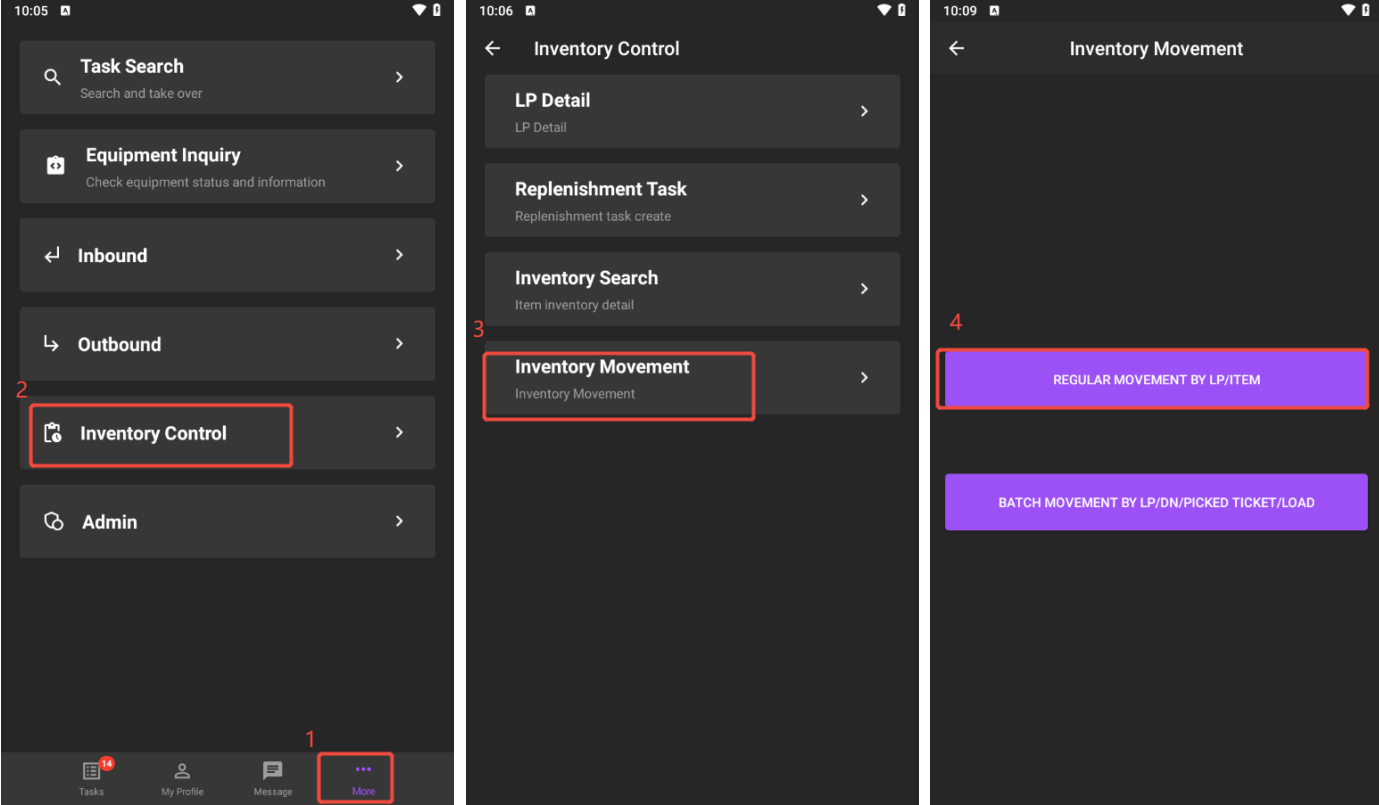
1. Navigate to More Menu > Inventory Control > Inventory Movement.
2. Choose one movement type to continue. There are two types available: regular movement and batch movement. Here, we task REGULAR MOVEMENT BY LP/ITEM as the example.
3. Tap CREATE TASK to complete this process.
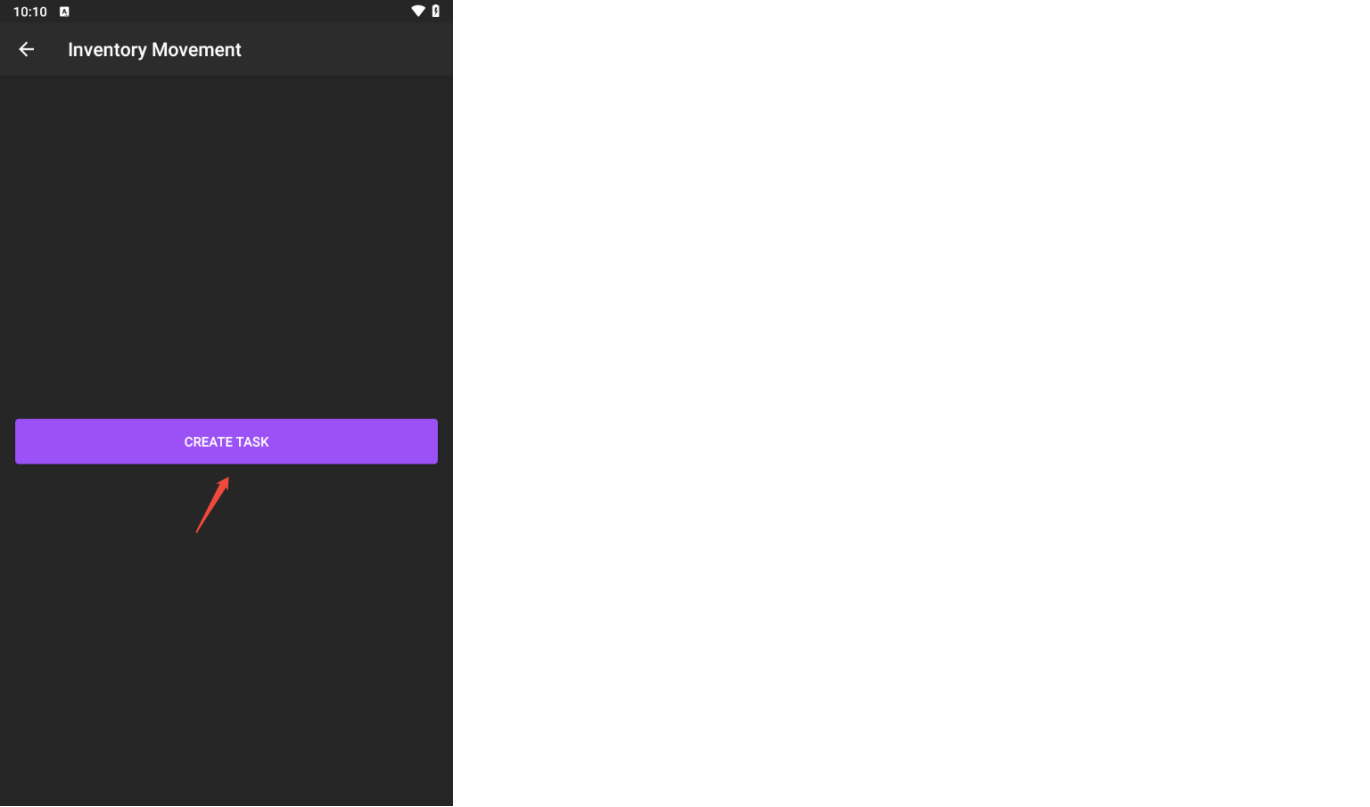
After created, it will skip to a new page, asking you to scan equipment to start the inventory movement task immediately. You can also execute it according to your schedule.