Wms v3InventoryInventory count
Create New Cycle Count Ticket
Create New Cycle Count Ticket
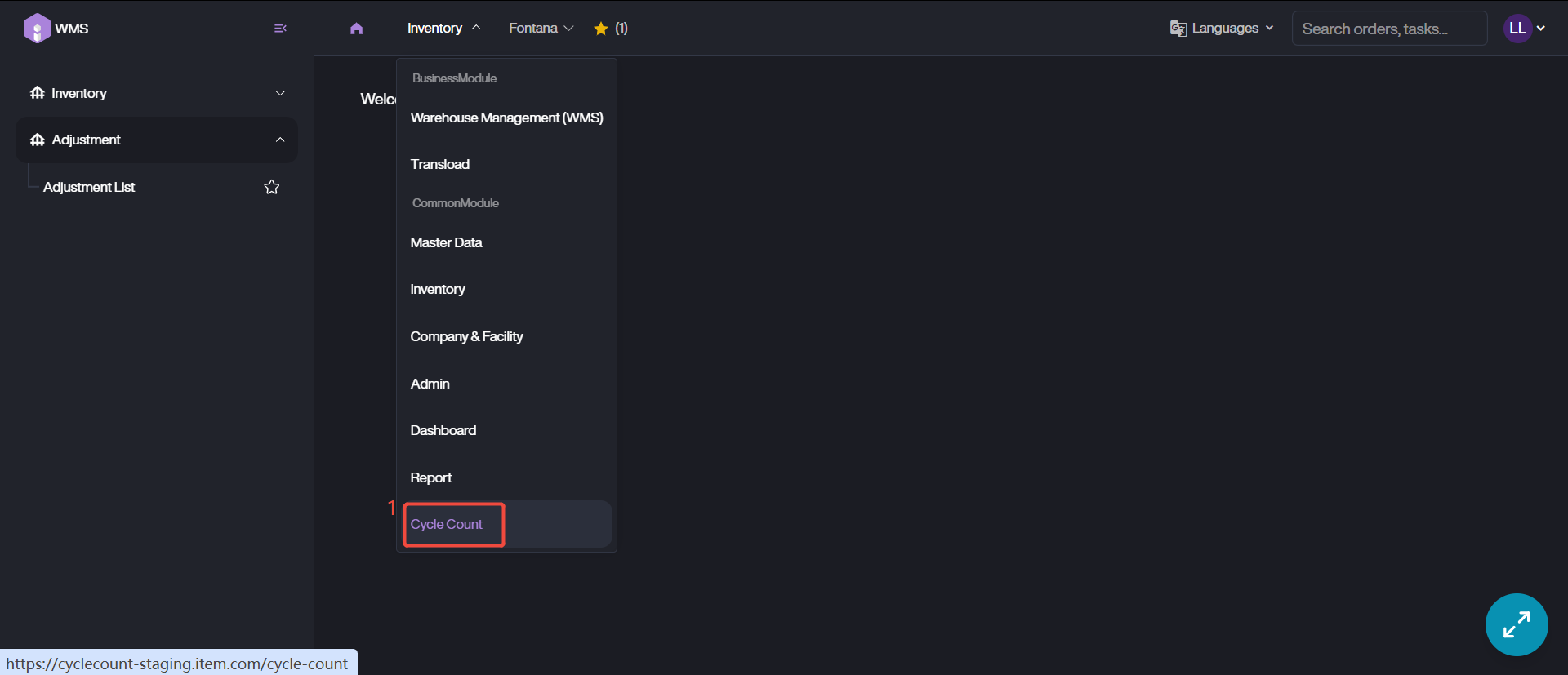
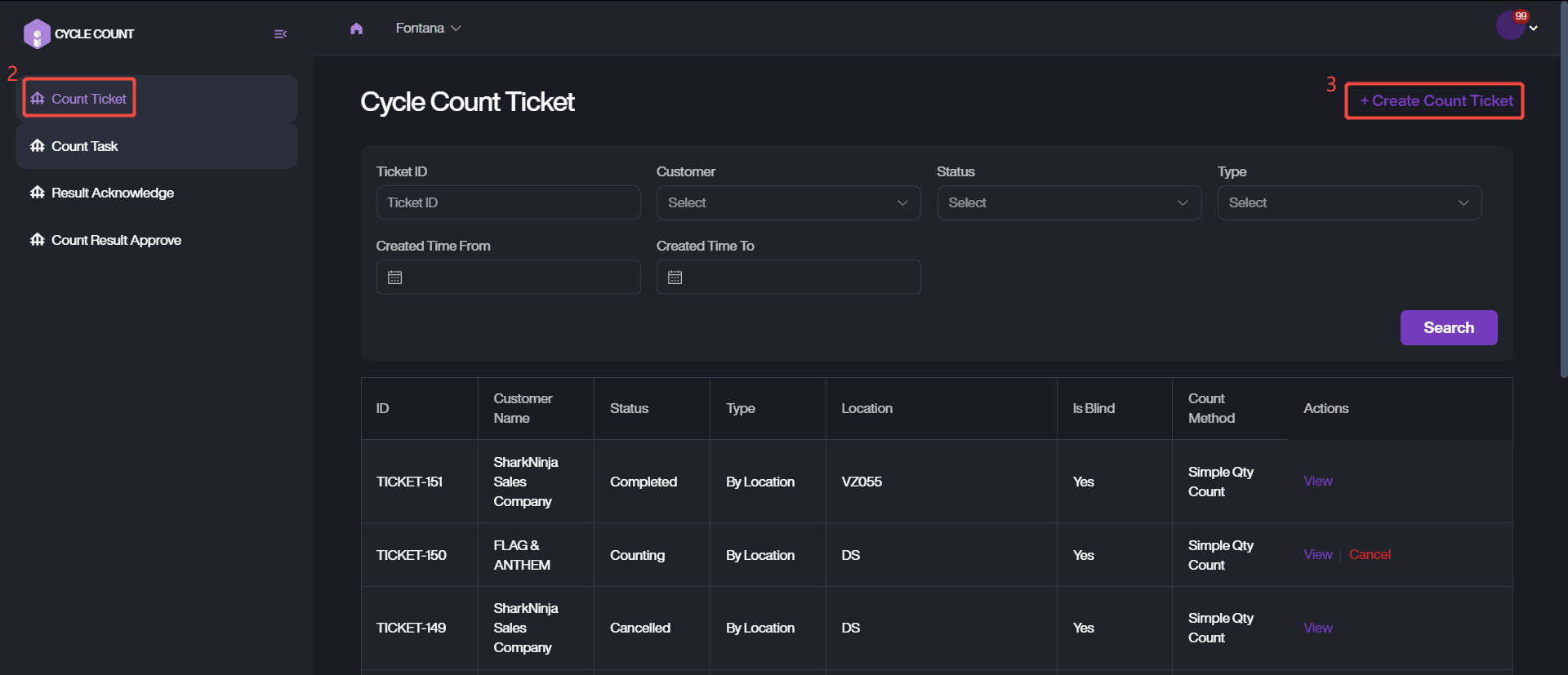
1. Navigate to Cycle Count Module > Count Ticket > + Create Count Ticket.
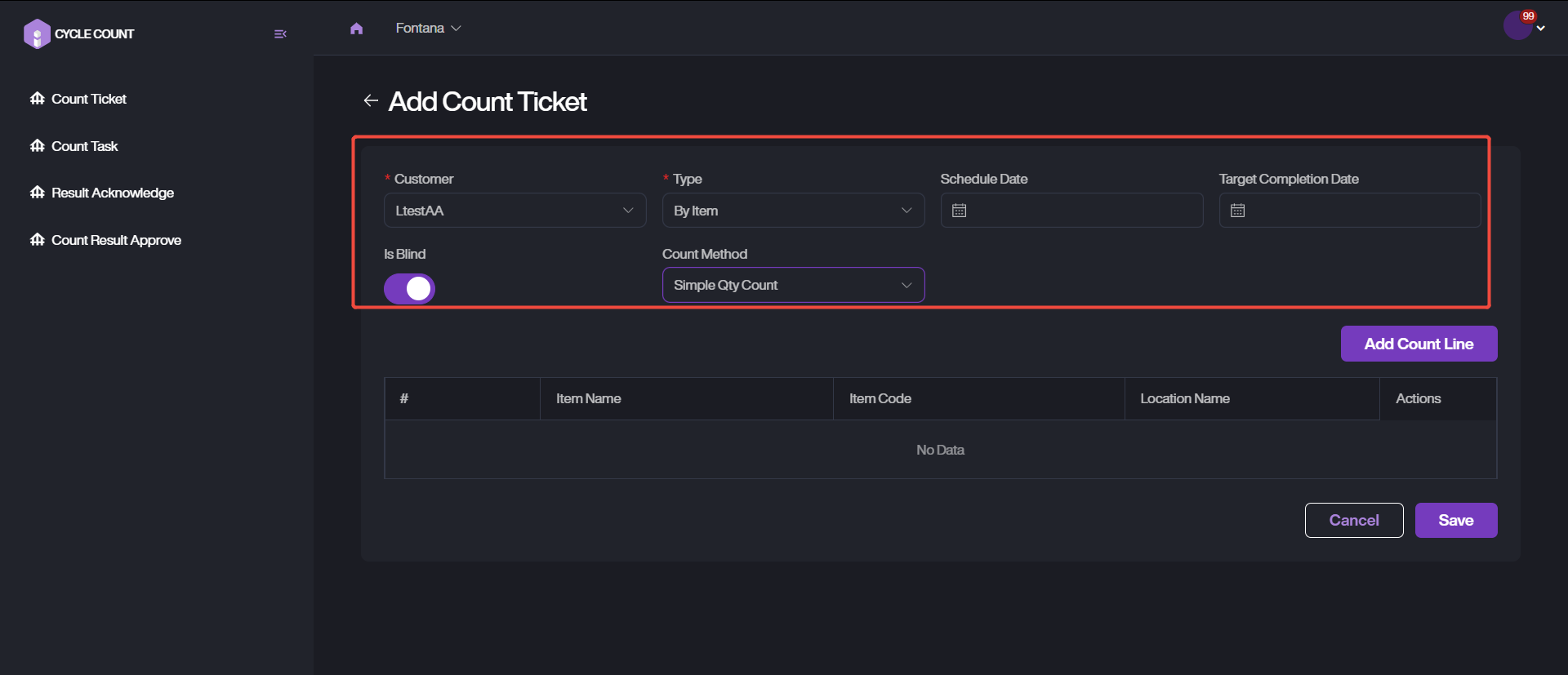
2. Provide and fill out the details of this task. Choose the customer and task type. There are three types available: By Location, By Item and By Item Location.
3. Setup the count method as Simple QTY Count. It means that skips scanning ILP and only count item in location.
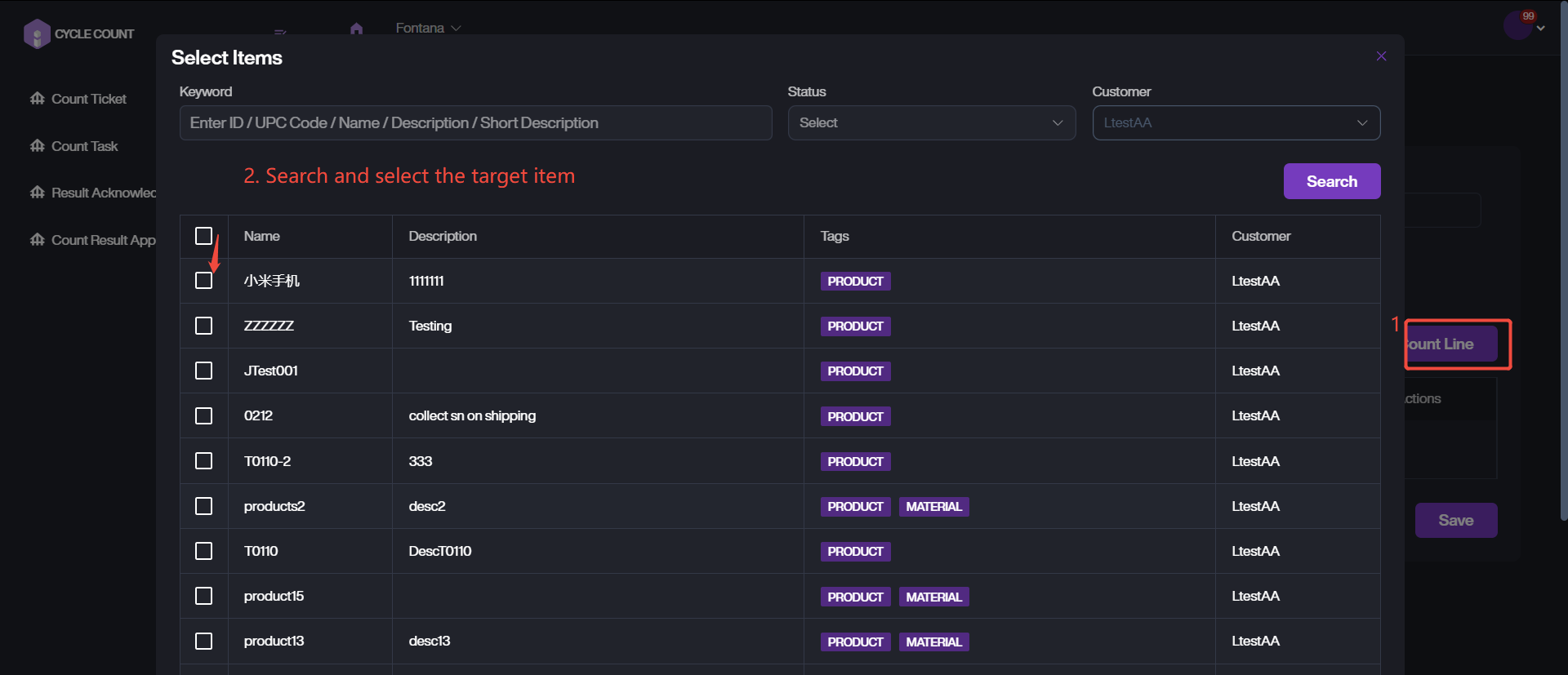
4. Add Count Line, Select the corresponding item to count. For quick retrieving, you can directly enter keywords or filtering by the status.
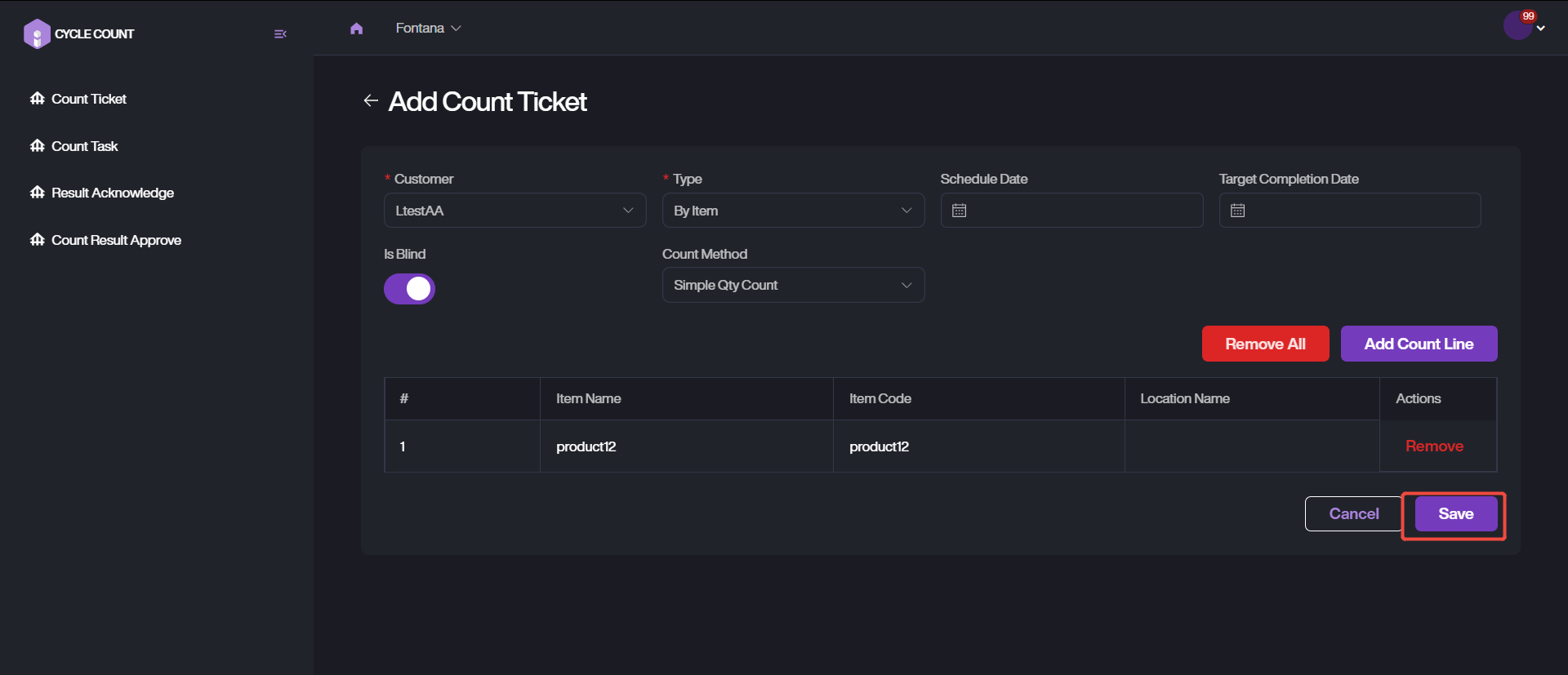
5. Complete the ticket data via clicking on Save.