Wms v3FoundationVlg
VLG Management
VLG Management
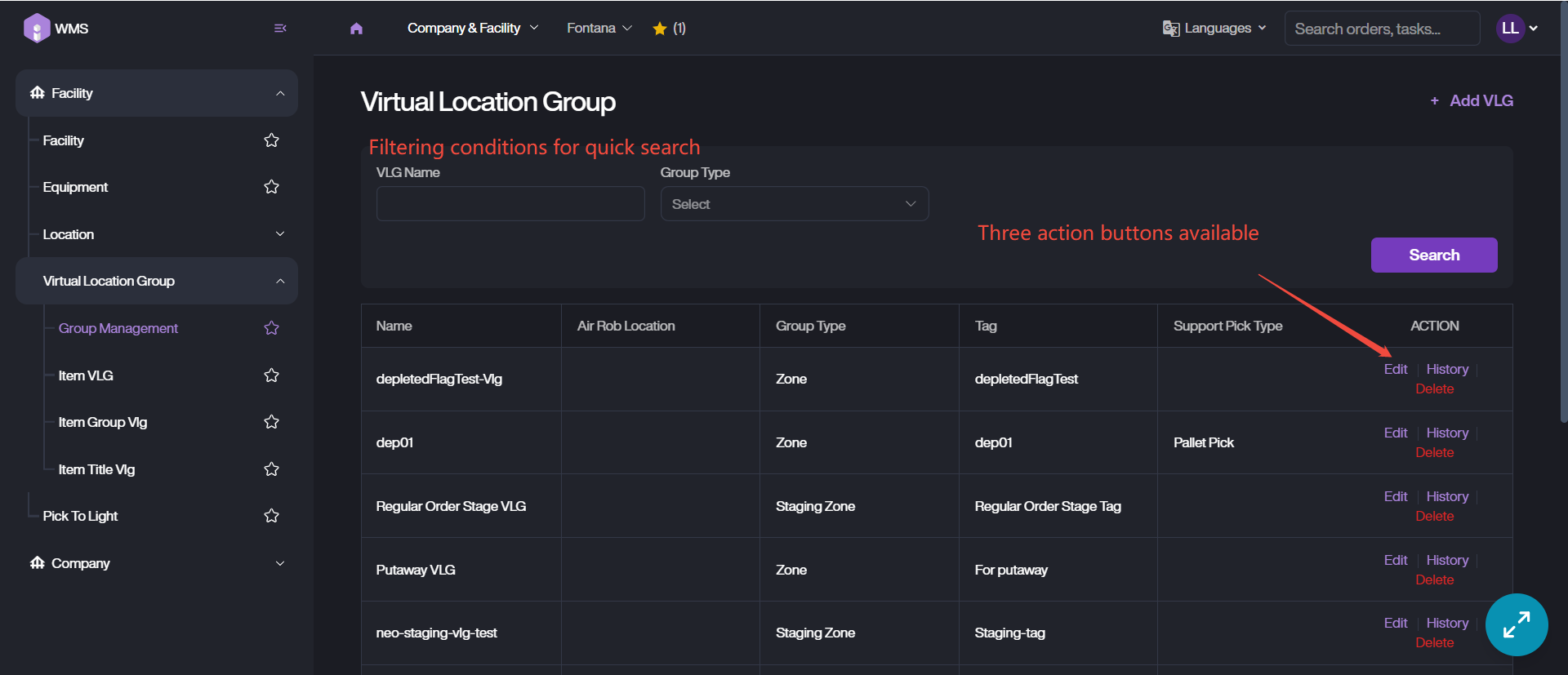
This interface allows users to search, edit and maintain Virtual Location Groups.
1. Search: Directly enter the VLG name to search or setup one group type to filter.
2. Edit: Retrieve the target VLG under Company & Facility Module > Facility > Virtual Location Group > Group Management, then click Edit into Edit page. Modify the information then save the update via Update button.
3. Delete: Simply Delete the VLG if you want to remove it.
4. History: View the change history of the VLG, such as add, edit.